Resources
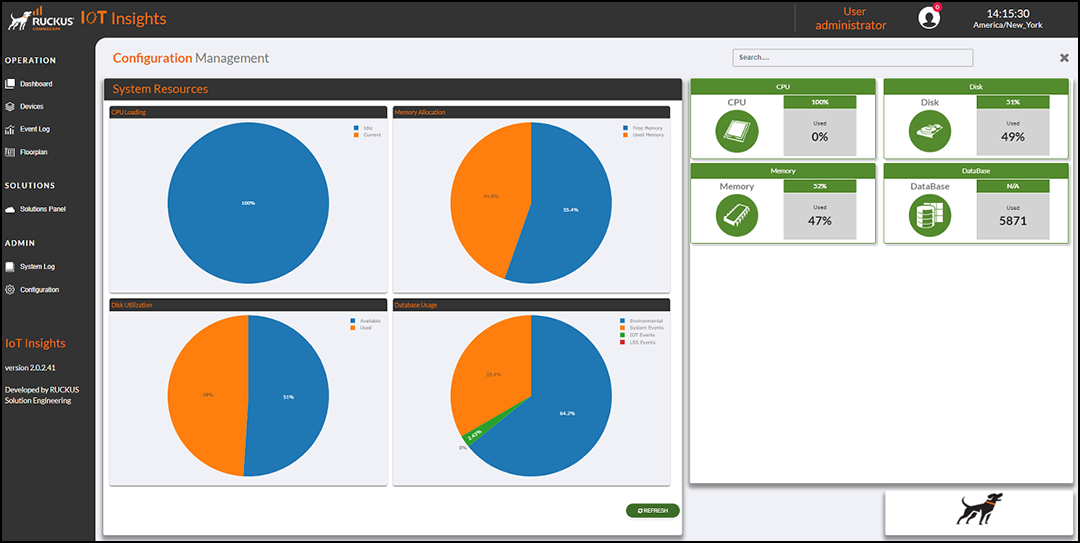
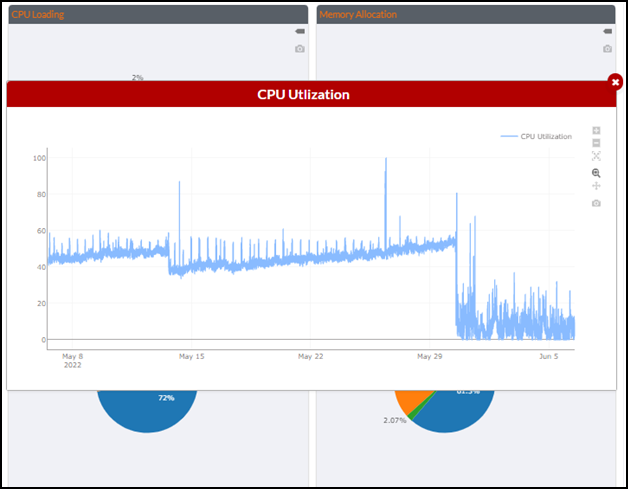
The system resources illustrate the current condition of the system in the form of pie charts for CPU Loading, Memory Allocation, Disk Utilization, and Database Usage. The Installed Services table lists the system resources details, including the resource name, number of free and used resource, units and alarms.