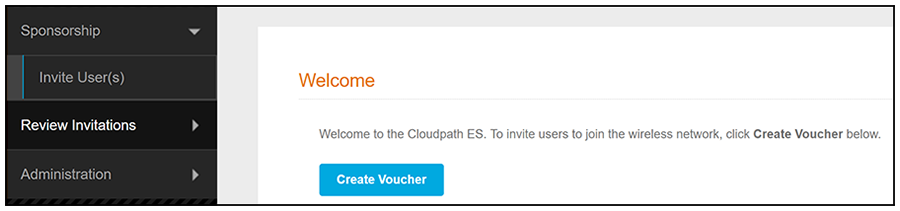
Tasks That Sponsors Can Perform On Sponsorship Portal The Sponsorship Portal UI menu is shown below:Sponsorship Portal Left MenuSponsorship tab Invite User - Allows sponsors to create a new voucher that will enable a guest user to enroll a device. Review Invitations - Allows sponsors to view outstanding, consumed, expired, and revoked invitations. Administration tab Sponsors - If permissions allow, sponsors can add, change, or remove other sponsors. Parent topic: Using the Sponsorship Portal