Adding Sponsors to a Voucher List
Administrators can add sponsors to a voucher list. Sponsors can create vouchers and invite guest users to join the secure network.
Cloudpath supports Onboard and External sponsors. Onboard sponsors are created locally on the ES Admin UI. External sponsors can log into the Sponsorship Portal if they match a username or group name specified in the Authentication server.
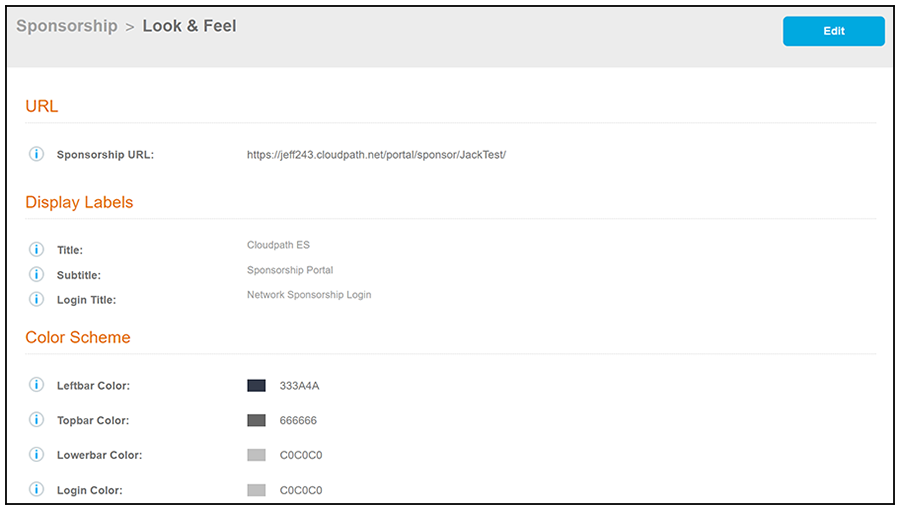
Providing Sponsorship URL to Sponsors:
As Cloudpath administrator, be sure to provide the URL of the sponsorship portal to the sponsors. The the portal can be found in the Cloudpath UI by going to Managed Access > Sponsored Access > Portal Look & Feel tab.