Activating Your Cloudpath Account/Server
Whether you create a new account with an activation code or with legacy Cloudpath credentials, the system binds the Cloudpath instance to your License Server credentials/email.
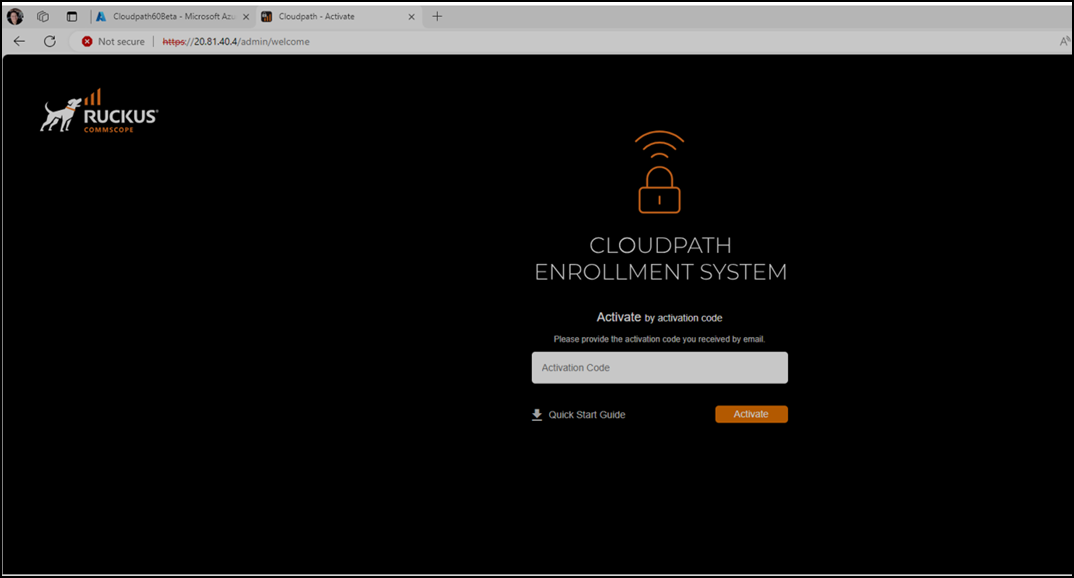
- Open the activation screen by opening a new web browser tab and log on to https://PublicServerIP/admin. Proceed through the SSL warning. You can also browse to the server DNS name if it has been set up.
- Enter the VM activation code that you received in you server license email with the Subject line: Cloudpath VM Activation, click Activate.