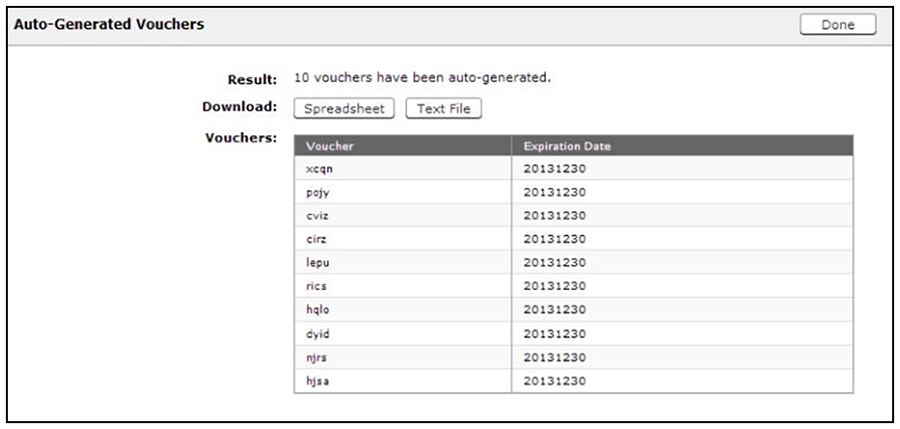
How to Generate Multiple Vouchers
- On the Create Vouchers page, select Generate multiple vouchers.
- Enter the number of vouchers to create.
- Click Done.
You are viewing a cached version of this page.
You are currently offline. This page was loaded from cache.
Did you find what you were looking for?