Creating Voucher Lists
You can create voucher lists in the
Cloudpath UI to use in workflows.
Follow these steps to create a voucher list.
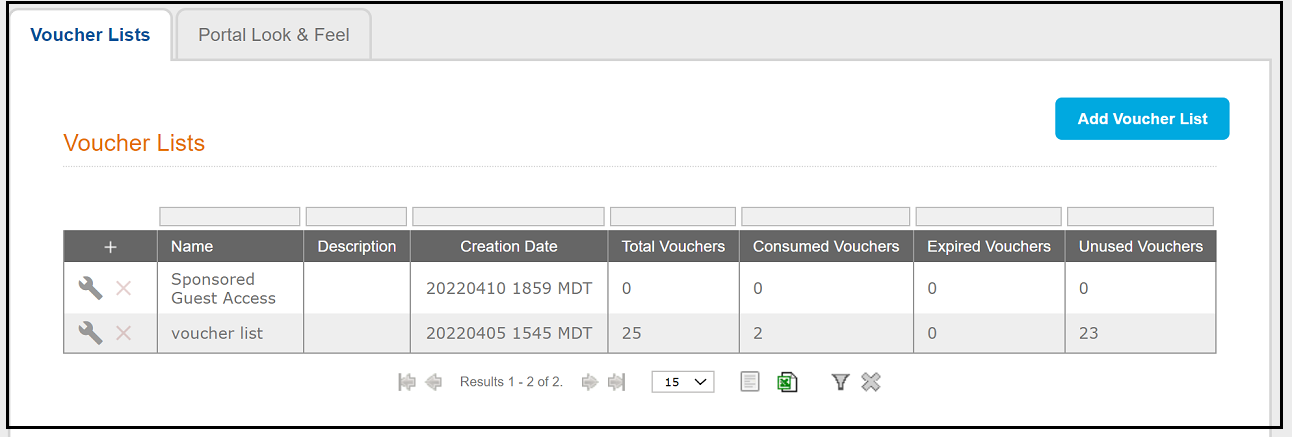
- From the Cloudpath UI, go to Managed Access > Sponsored Access > Voucher Lists tab.
- Click Add Voucher List.
- In the ensuing Create Voucher List screen, configure the list. For instructions, refer to Create Voucher List and the descriptions provided with that screen.
- You can return to the view of all configured voucher lists to make sure that your list appears. The following screen shows an example of two lists having been configured.