Configuring System Settings
Beginning with UMM 2.6 release, the read only user will get an option to edit the Unleashed WLAN name and password when they enable the RO User Permission Settings.
The System Settings option allows you to specify an SMTP server.
It also enables configuration of a purge policy. A purge policy establishes a length of time the software-generated files (such as logs, events, and graph data) should be maintained on the software. Once the configured length of time has been reached, files/items older than the date are purged from the software to save disk space. This prevents those files from growing interminably.
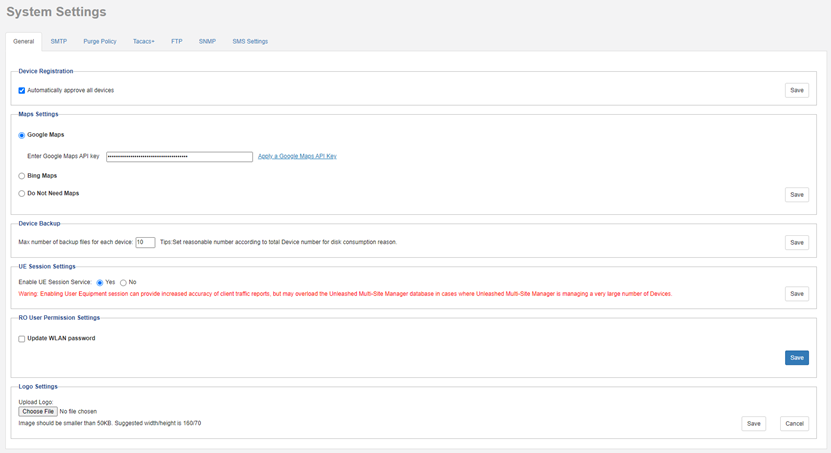
System Settings Page (part 2 of 5)
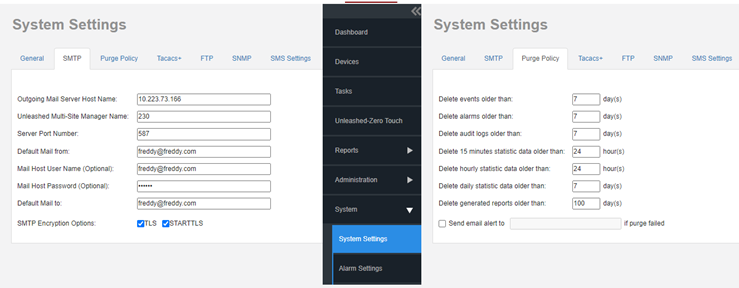
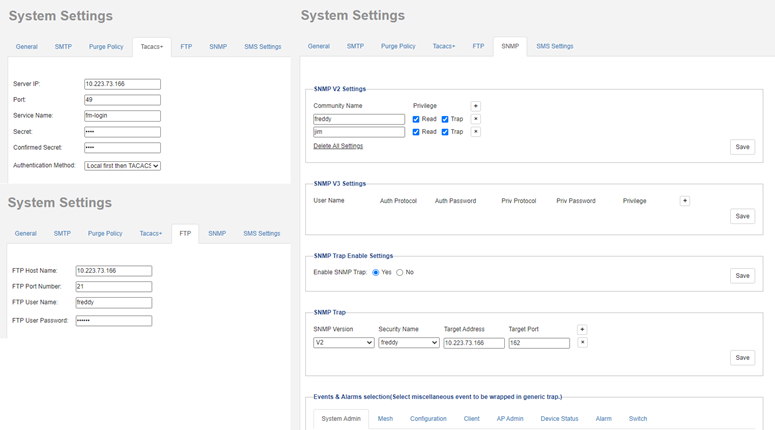
System Settings Page (part 4 of 5)
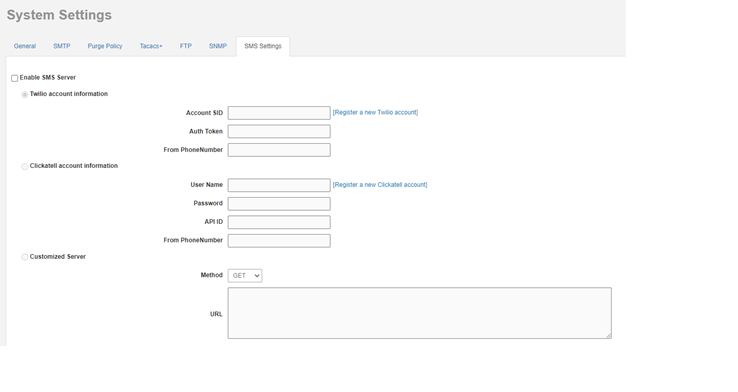
Beginning with UMM 2.6 release, the system settings option allows you to enable SMS server. There are three methods to enable SMS server: Twilio account information, Clickatell account information and Customized server.