Alarm Settings
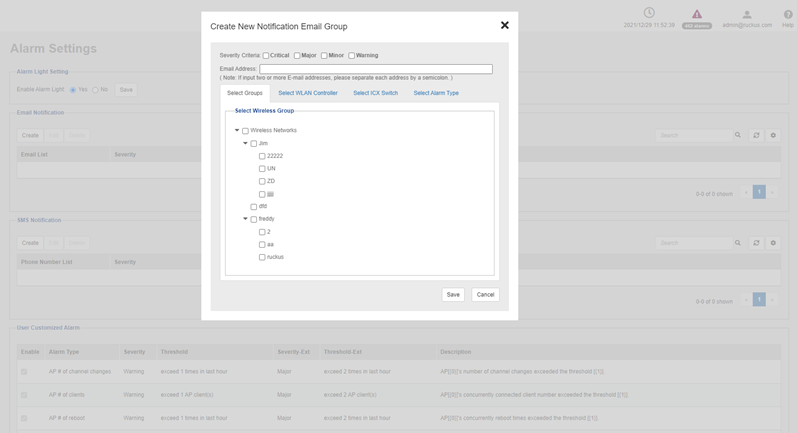
The Email Notification section displays the users and their respective email addresses to which email notification are send when alarms are generated. The section also displays the severity level of those alarms which you have opted to be notified to each user along with the time when each user was created to receive the notification.
All the available user defined alarms are displayed under the User Customized Alarm section.
The SMS Notification section send SMS to their respective phone numbers when alarms are generated. Go to and click SMS settings to enable SMS server. There are three methods to enable SMS server: Twilio account information, Clickatell account information and Customized server.
The Event Selection section displays all the events which triggers the alarm. These events are categorized under the following five tabs.