Option 1 - User Interface
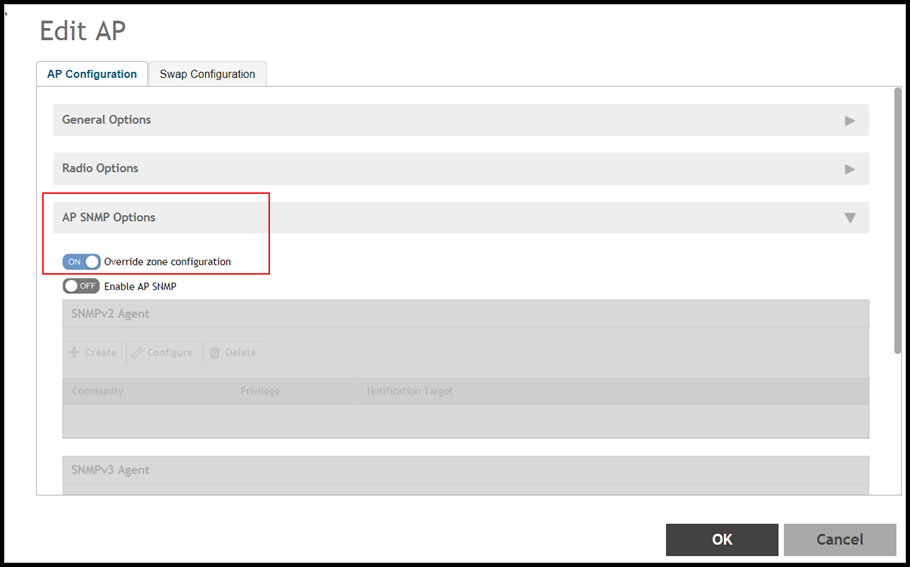
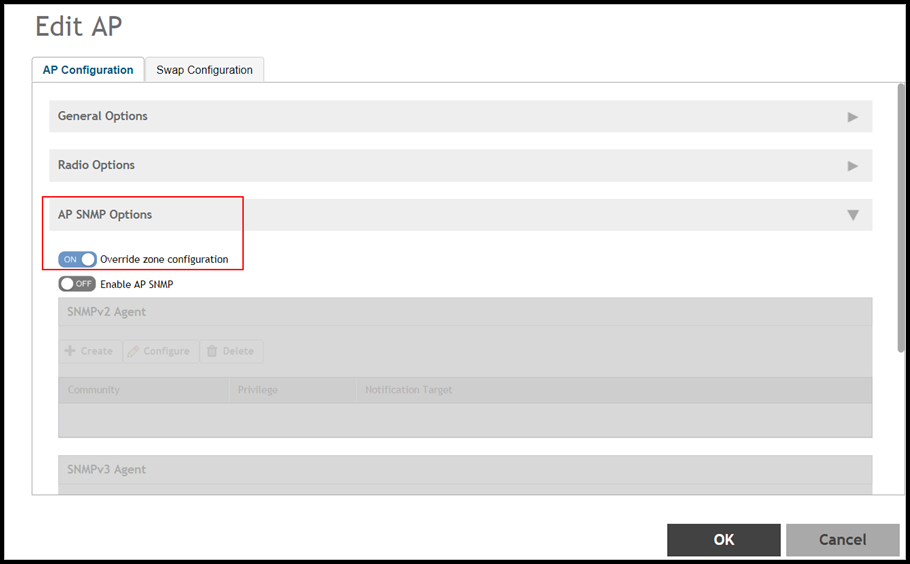
Using the controller interface navigate to Access Points. Select the AP and click on the Configuration tab. In the configuration page select to enable the Override option for a particular AP as seen in the following figure.
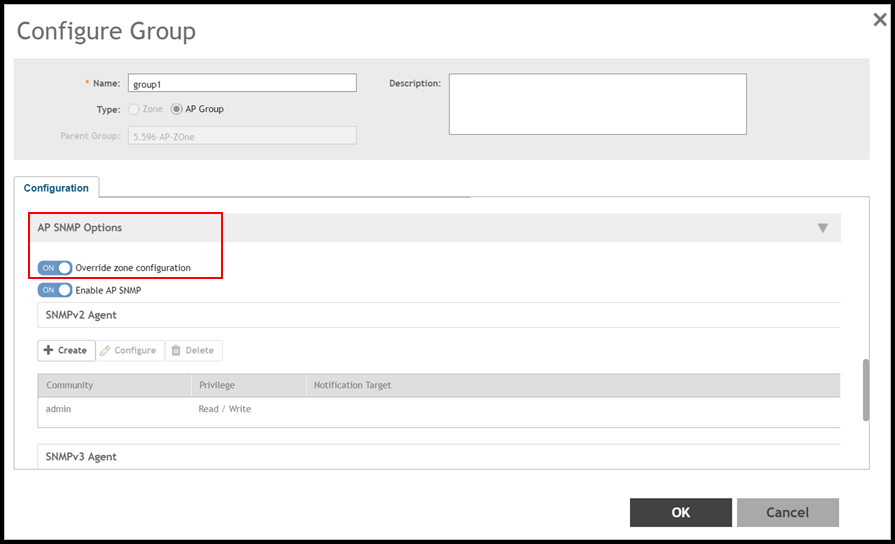
Using the controller interface navigate to Access Points. Select the AP Group and click on the Configuration tab. In the configuration page select to enable the Override option for a particular AP Group in an AP as seen in the below figure.
Using the controller interface navigate to Access Points. Select the Zone and click on the Configuration tab. In the configuration page select to enable the Override option for a particular Zone in an AP as seen in the below figure.