AP SNMPv2 and SNMPv3 Configuration Flow and SNMP Logs
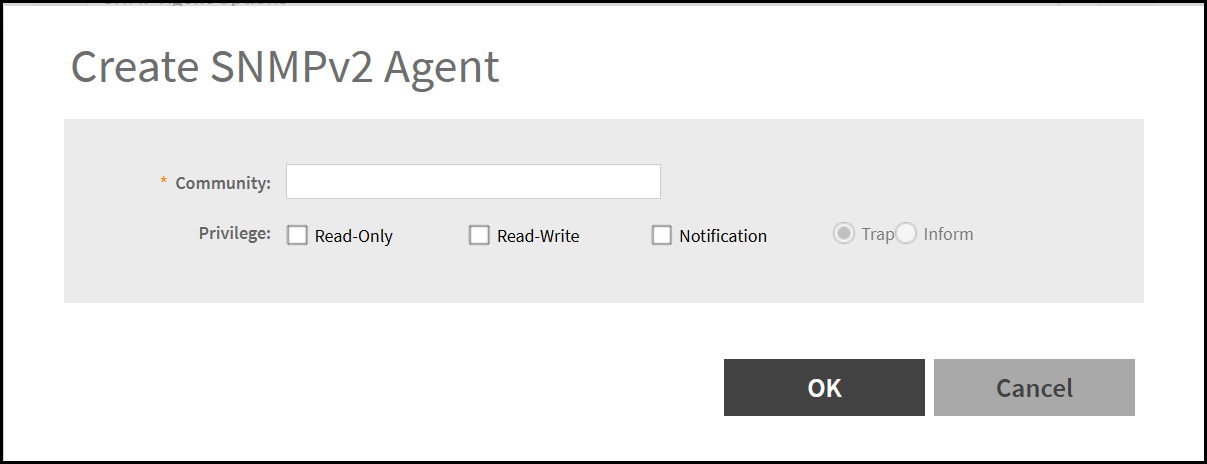
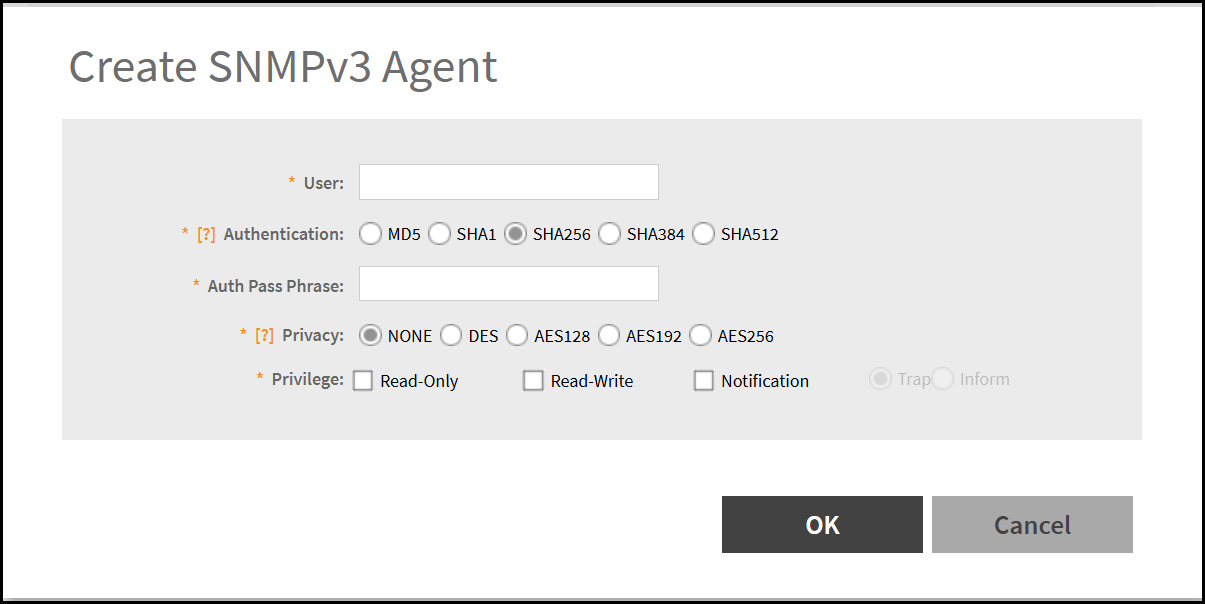
Using the controller web interface, you can add or update SNMPv2 communities and SNMPv3 users, and configure SNMP operations (GET, SET, and TRAP).
The AP SNMPv2 and SNMPv3 agents can be created or updated using either of the following navigation paths:.
Note: For information on how to enable
the AP SNMPv2 and v3 settings on the controller web interface, refer
RUCKUS-SmartZone-Network-Management-Guide.
The controller supports a maximum of eight SNMP user profiles and eight trap destinations for AP SNMPv2 and AP SNMPv3. In the previous releases this was unlimited.
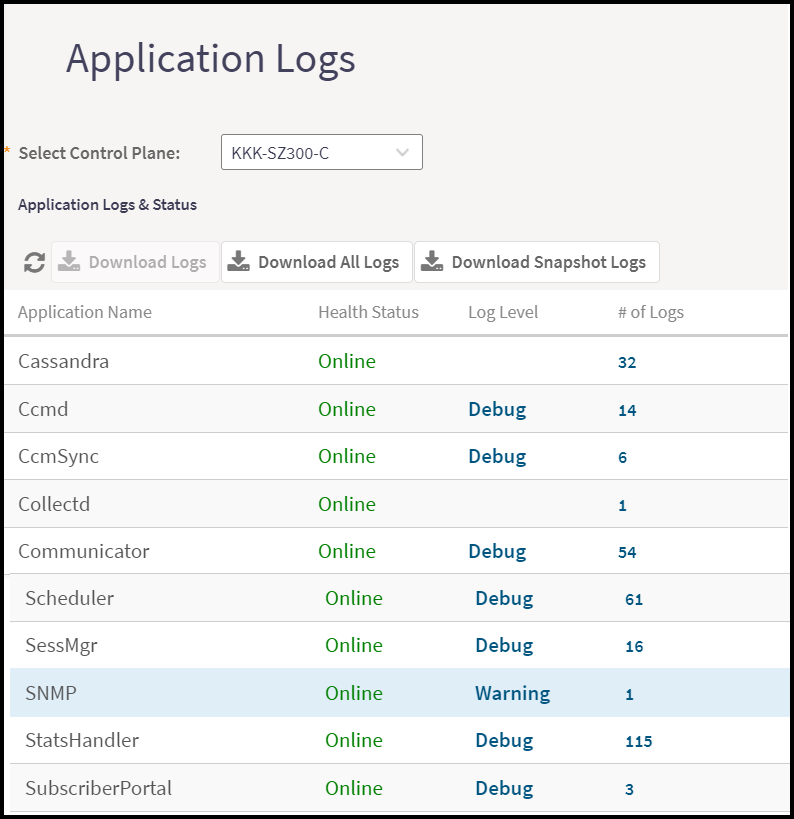
On the controller web interface, navigate to to view the SNMP logs. SNMP is listed in the Application Name column.