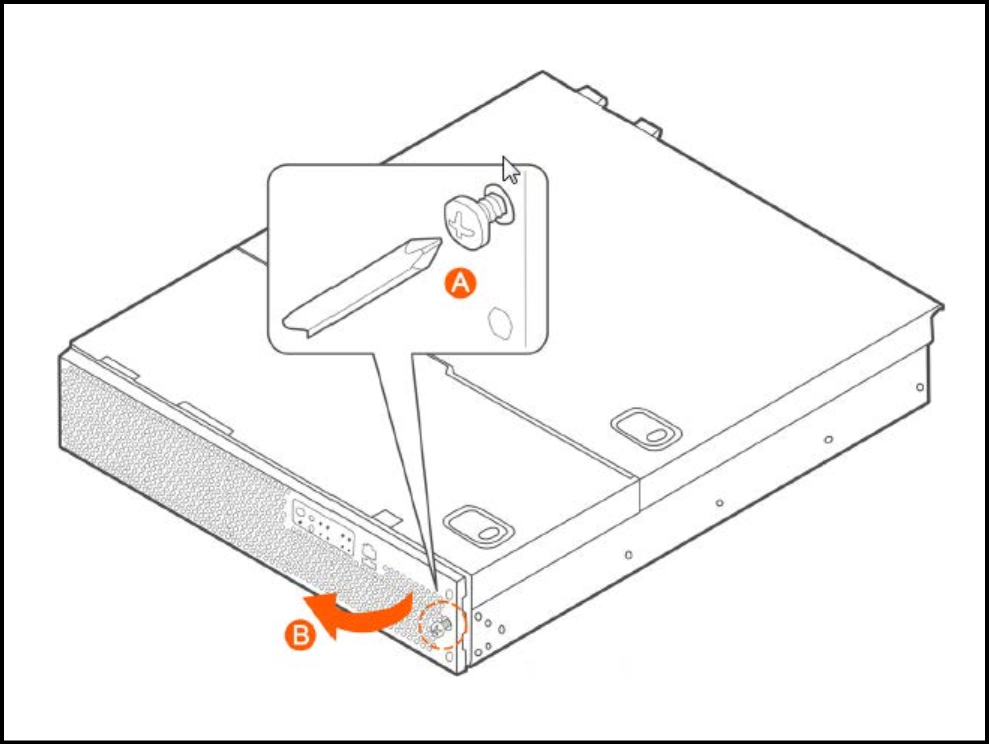
Removing the Front Bezel
You must remove the front bezel to add or replace a hard drive in one of the drive
bays. It is not necessary to remove the front chassis cover or to power down the system.
The
hard drives are hot-swappable.
Follow these steps to remove the front bezel of the controller.
You need to remove the front bezel for tasks such as:
- Installing or removing hard disk drives or an SD flash card
- Observing the individual hard disk drive activity/fault indicators
- Replacing the control panel LED/switch board
The server does not have to be powered down just to remove the front bezel.