Viewing SD-LAN Statistics
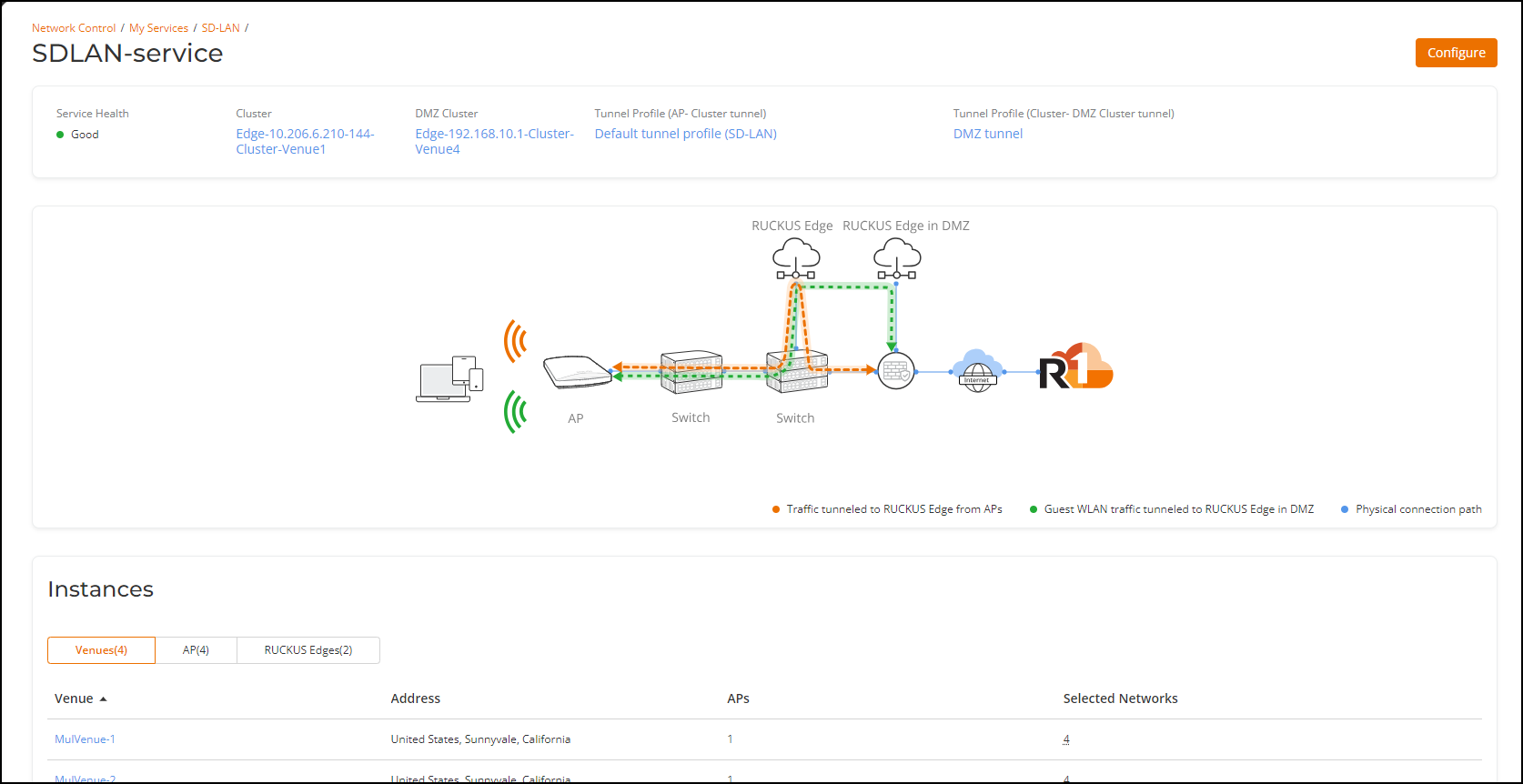
- On the navigation bar, click , then click the SD-LAN tile and click on a specific SD-LAN service name.
- Navigate to the Instances section
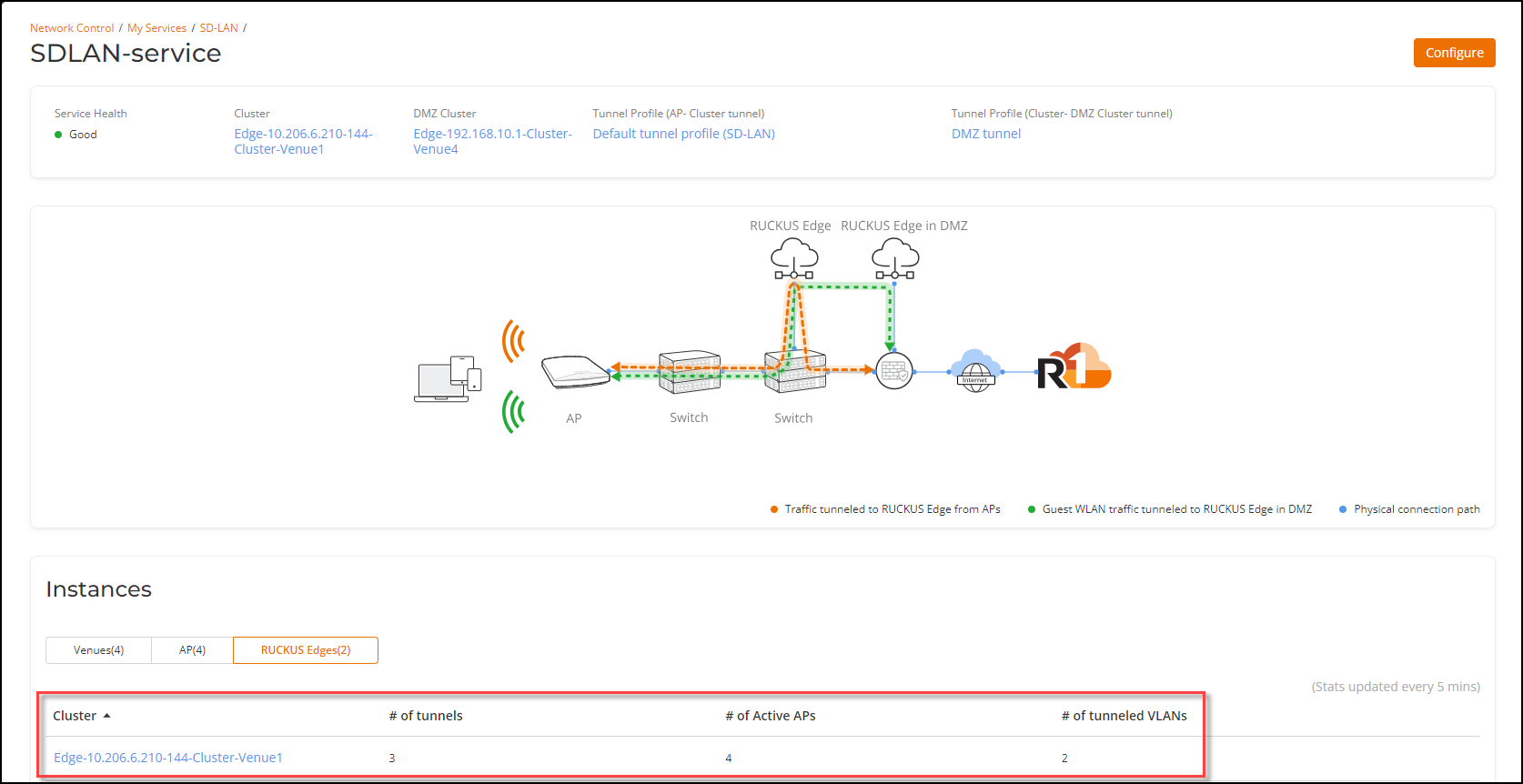
and click the RUCKUS
Edges tab. This displays the number of tunnels, number of active
APs, and number of tunneled VLANs for the configured clusters.
Note: The SD-LAN tunnel statistics are updated every 5 minutes.