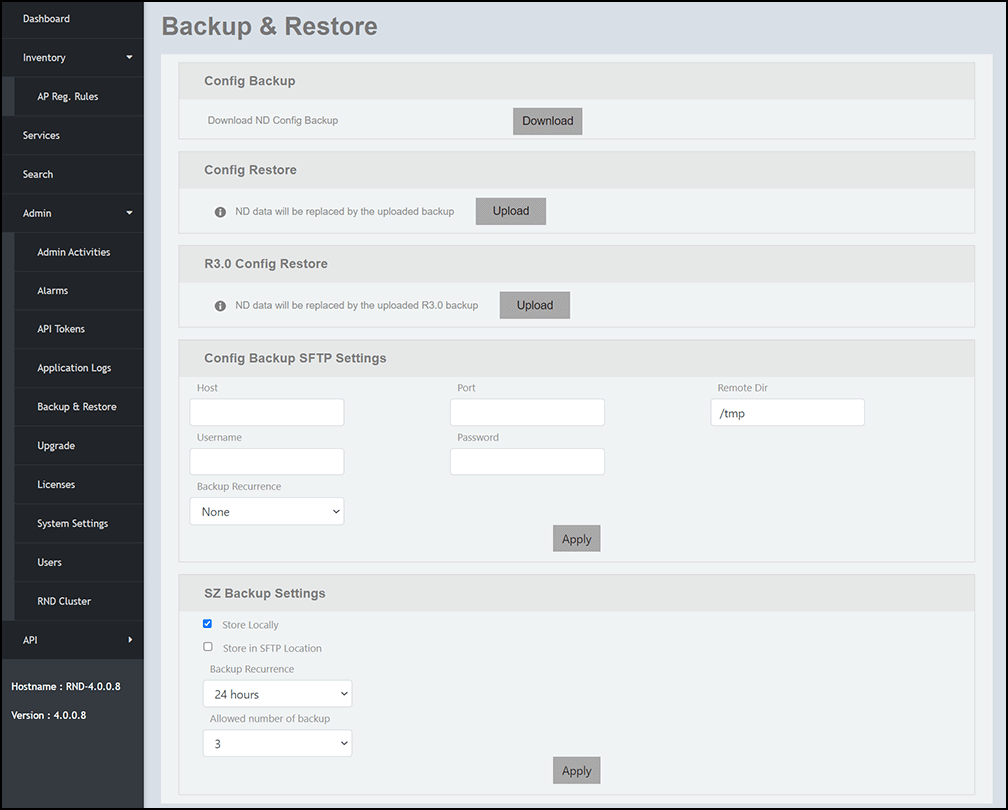
Exporting Configuration Data from RND 3.5 and Later Builds to RND 4.0
To export configuration data from RND 3.5
and later builds and copy the file to the local machine, complete the following
steps.
- Log in to the RND 3.5 Admin portal.
- On the menu, go to .
- In the Config Backup panel, click Download to download the configuration backup (rnd-config-backup-(date).gz) file to your local machine. This file can be uploaded later to RND 4.0 using the import option available in the Admin portal user interface. Refer to Importing RND 3.0 and RND 3.5 Configuration Data to the RND 4.0 Database.