Network
- From the main menu, go to .
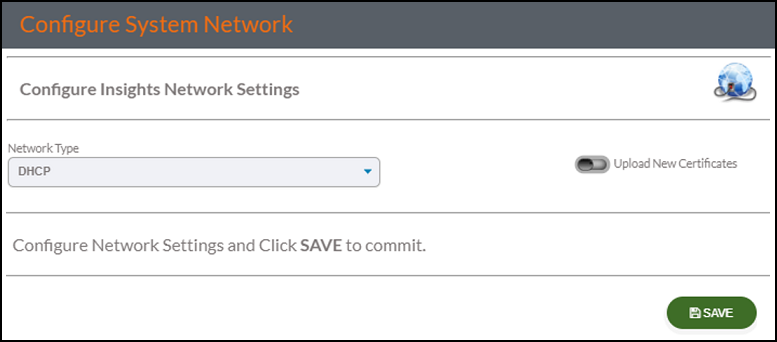
- Click Save to save the network settings.
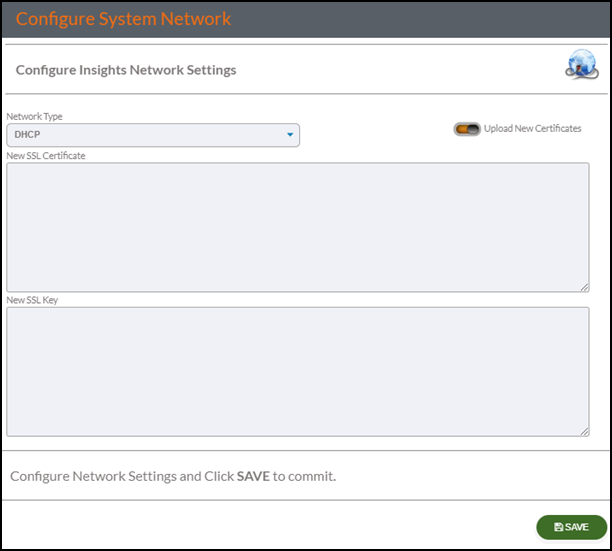
- Click the Upload New Certificates toggle switch to upload a new certificate and key for the HTTPS service on RUCKUS IoT Insights to provide secure SSL connectivity between the server and the client browsers.
- Click Save to save the new certificate.
- Restart the system.