Logging In to RUCKUS IoT Controller
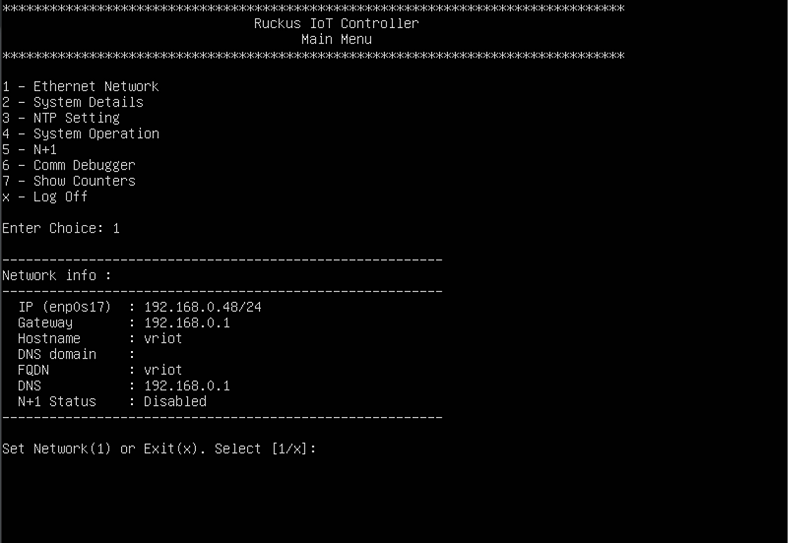
- Log in to the console of the RUCKUS IoT Controller using the username "admin" and password "admin".
- Enter 1 in the Enter Choice field to get the IP address.
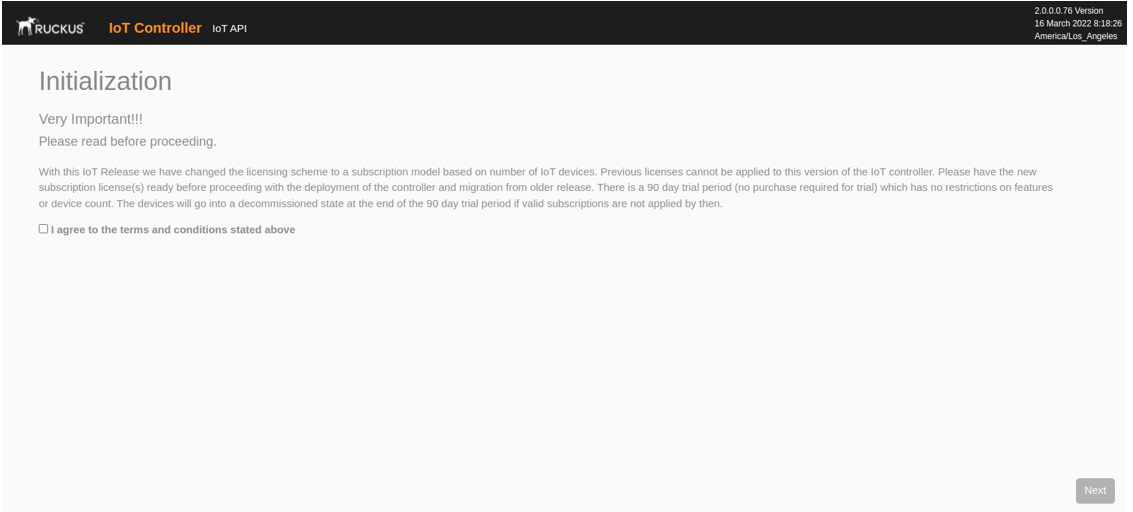
- Open a web browser, enter the IP address in the address bar, and press Enter.
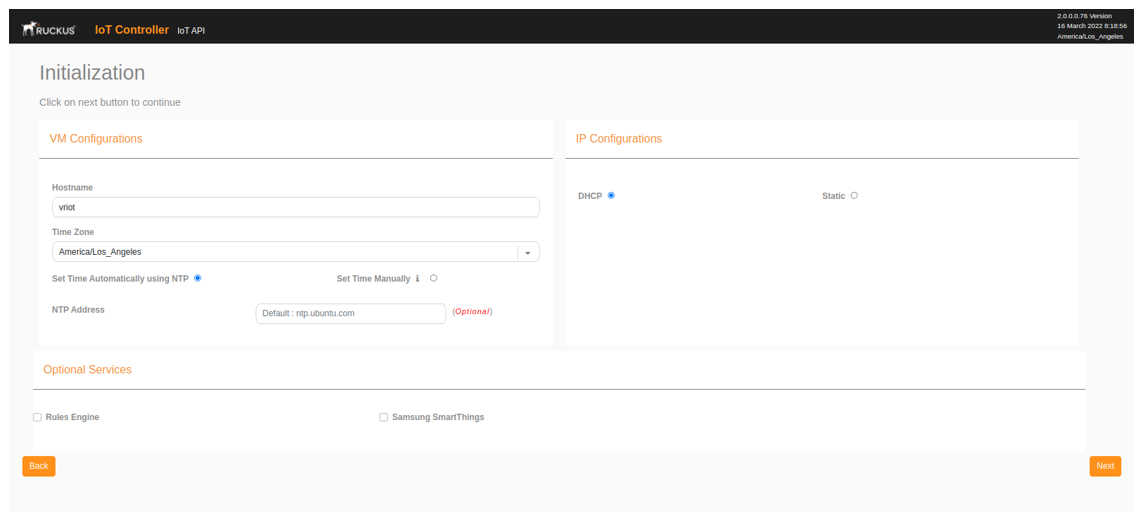
- Enter the Hostname, Time Zone, and select the IP Configuration (DHCP or Static), and click Next to start all the services in the RUCKUS IoT Controller.
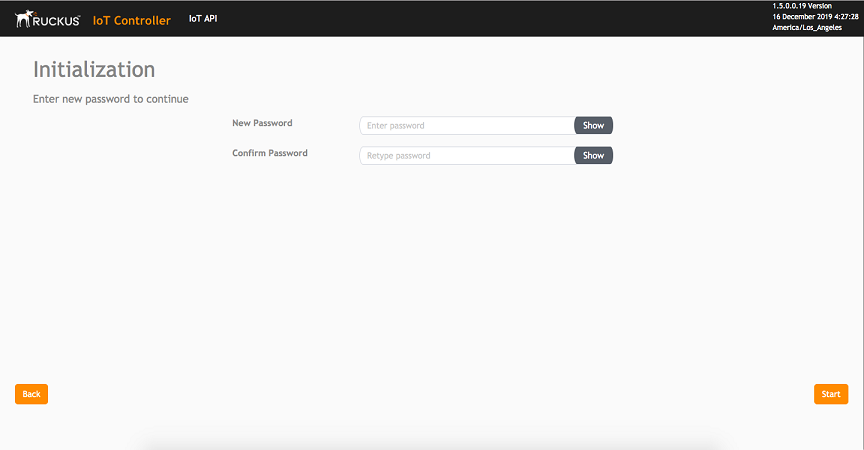
- Enter the RUCKUS IoT Controller password in the New Password field. Re-enter the password in the Confirm Password field. The password must be a least eight characters in length and contain one uppercase letter, one lowercase letter, one digit, and one special character. Click Start.
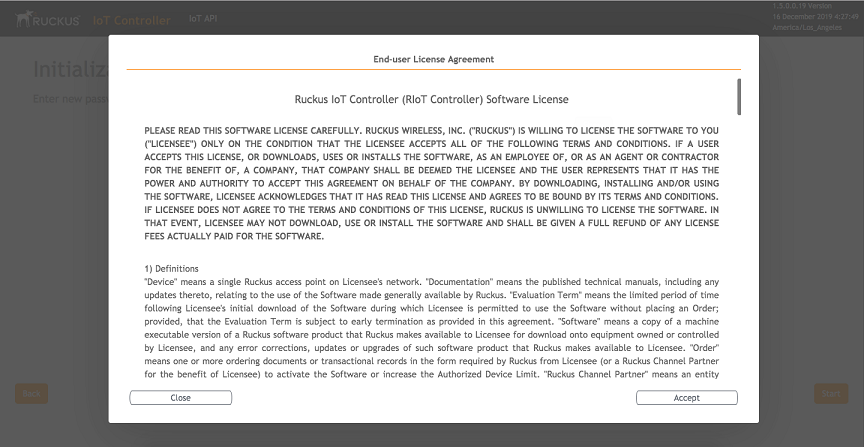
- On the End-user License Agreement page, click Accept to accept the RUCKUS IoT Controller license.