Data Cleanup
You can use data cleanup thresholds to
make sure that records are being deleted by the system once they expire, which can
help you
control license usage.
To go to the Data Cleanup screen in the UI, navigate to Administration > Data Cleanup.
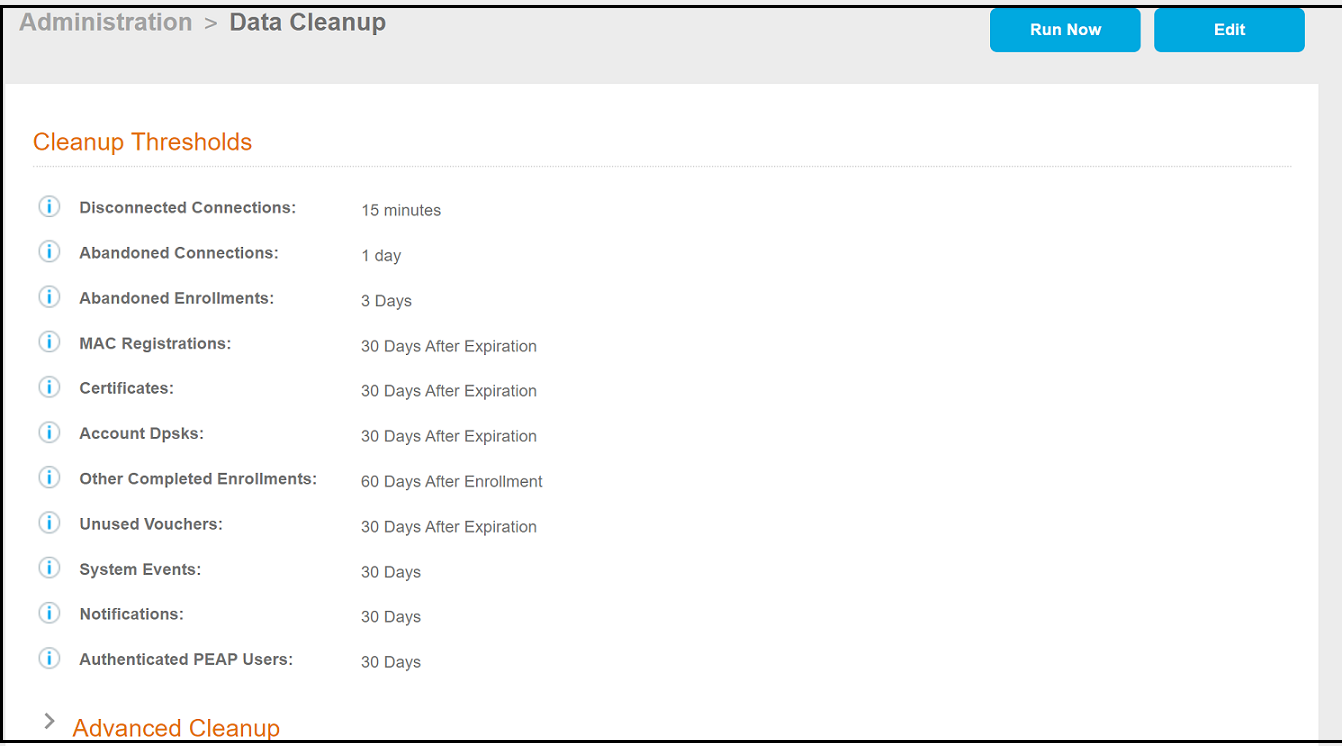
Use the Edit button to change the values of any of the fields, then click Run Now to perform the cleanup. An example of when this function might be useful to limit consumed licenses is to set the Account Dpsks or MAC Registrations to expire sooner, they can run the clean up so that the corresponding licenses are returned to their respective license pools.