Voucher Lists
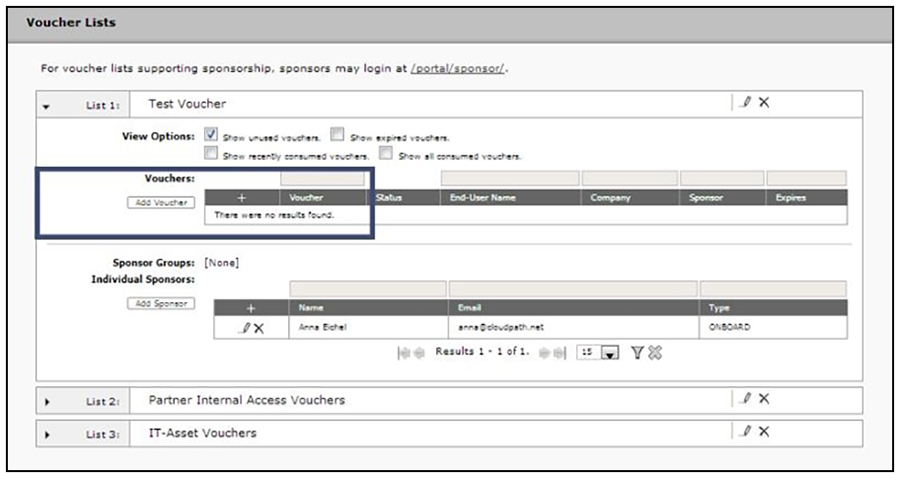
- From the ES Admin UI, go to Managed Access > Sponsored Access > Vouchers tab to view the voucher lists. (Alternately, you access the Voucher List page by double-clicking the Voucher List link in the enrollment workflow.)
- Expand the voucher list.
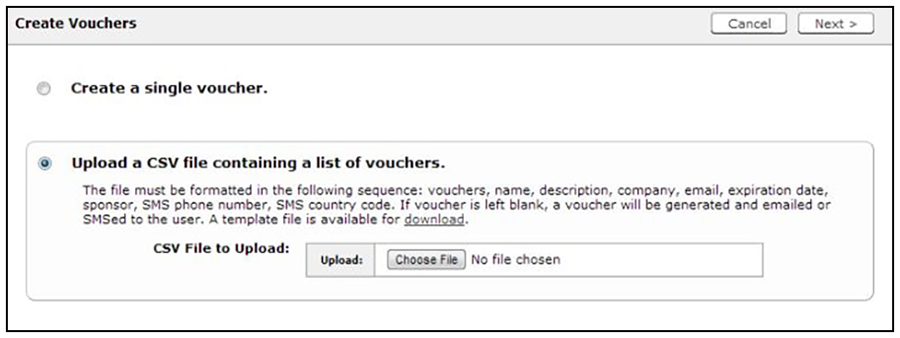
- Click Add Vouchers to create a single voucher or upload a list of vouchers. The Create Vouchers page opens.