How to Log in to the Sponsorship Portal
- Sponsors can access the sponsorship portal by entering the sponsorship URL https://<SponsorshipLoginIPaddress>/portal/sponsor/
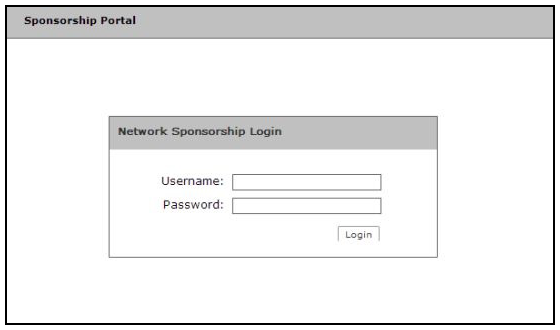
- The portal login page opens.
- Sponsors enter the Username and Password that was sent when the voucher list was created. See Adding Sponsors to a Voucher List.
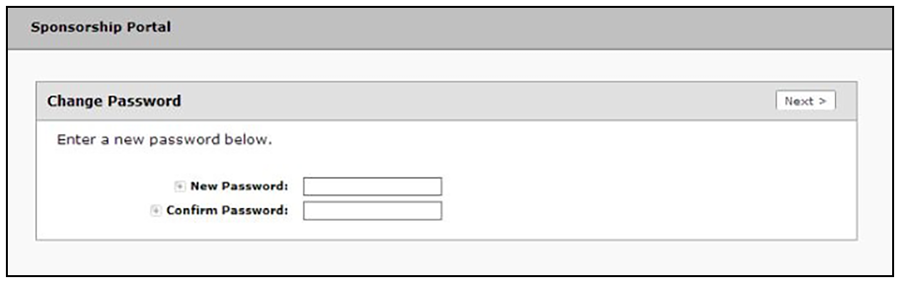
- The first time a sponsor logs in, the password must be changed.
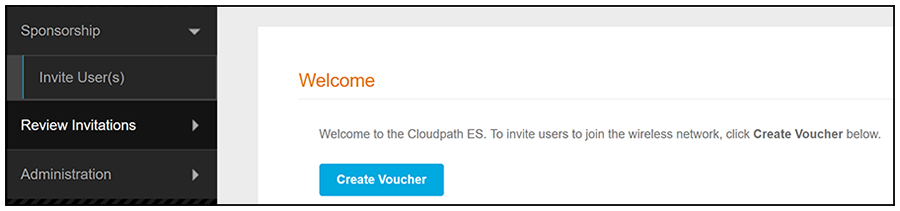
- After the password updates, the Sponsorship Portal opens. The left menu includes tabs for Sponsorship operations and Administration operations.