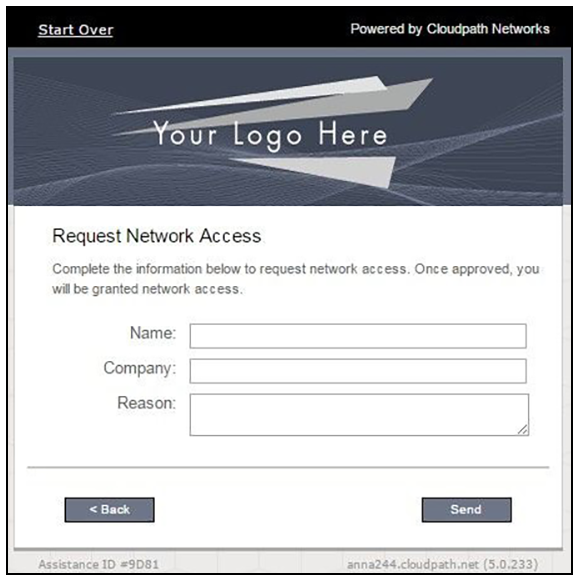
Guest User Experience - Request Network Access
- The guest user comes within range of the onboarding SSID.
- As part of the enrollment process, the guest is prompted to request access to the secure network in a screen like the one shown below.
- The user enters the required information and clicks
Send.
A screen showing status as "Pending" might now be presented to the user.
- If the access is approved, the user continues with the enrollment process.
- The next screen that is presented depends on how the user's network is set up.