With the correct permissions, sponsors can manage devices that have enrolled under
their own sponsorship, or enrolled under any other sponsor. See
Adding Sponsors to a Voucher List for more information about setting Sponsor permissions.
From the Sponsorship UI, select
Sponsorship > Review Invitations.
Select the appropriate link to view outstanding, consumed, expired, and revoked voucher
invitations.
To revoke a voucher, use the
delete icon.
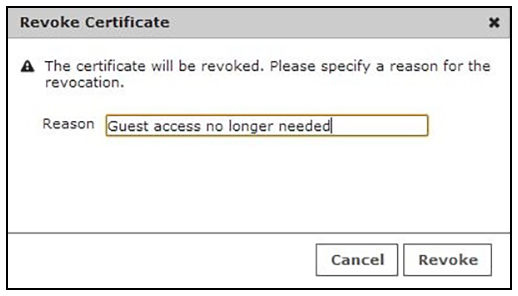
On the
Revoke Certificate pop-up, list the reason for revocation and click
Revoke. The voucher is not longer usable.