Managing Sponsors

With the correct permissions, you can manage sponsors in your Active Directory or LDAP Group. Permissions are set when sponsors are added to the voucher list using the Cloudpath Administrator user interface. See Adding Sponsors to a Voucher List.
  1. From the Sponsorship UI, select Administration > Sponsors.
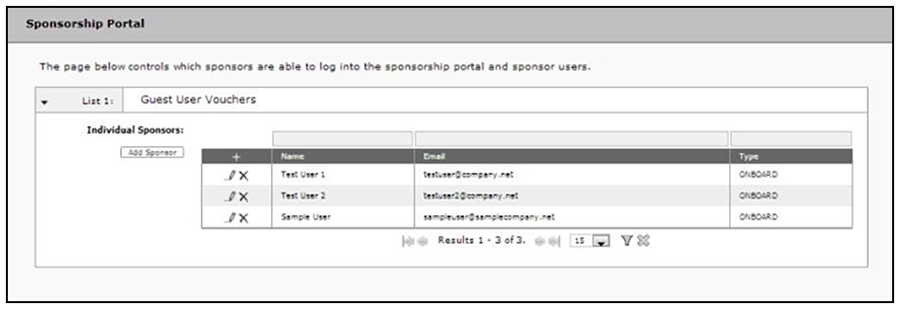
    The tables show which sponsors are able to log onto the sponsorship portal and sponsor guest users using each voucher list.

    Sponsors per Voucher List

  2. From this page, eligible sponsors can add or delete other sponsors, edit sponsor login information, or modify sponsor permissions within their AD or LDAP group.
    For details on configuring an authentication server for sponsors, see Authentication Server Configuration.