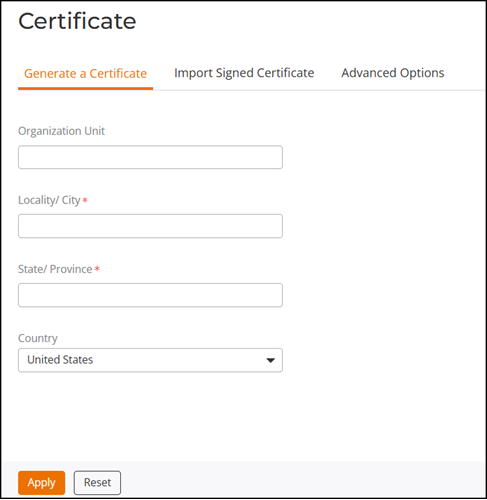
Generating a Certificate Signing Request
If you do not have an existing SSL
certificate, you must create a certificate signing request (CSR) file and send it
to a
certificate authority (CA) to purchase an SSL certificate.
The RUCKUS Unleashed web interface provides a form that you can use to create the CSR file. Fields with an asterisk (*) are required entries. Those without an asterisk are optional.
From the main menu, select to perform the following actions:
- Generate a certificate signing request.
- Import a signed certificate.
- View the currently installed certificate.
- Add a trusted CA.
- Restore the default private key and certificate.
- Back up private key and certificate information.
- Generate a new private key.