UMM Install
If an Unleashed Multi-Site Manager (UMM) server is available, you can allow automatic
Unleashed deployment configuration by running a configuration template from the UMM
server to the Unleashed Master AP during setup.
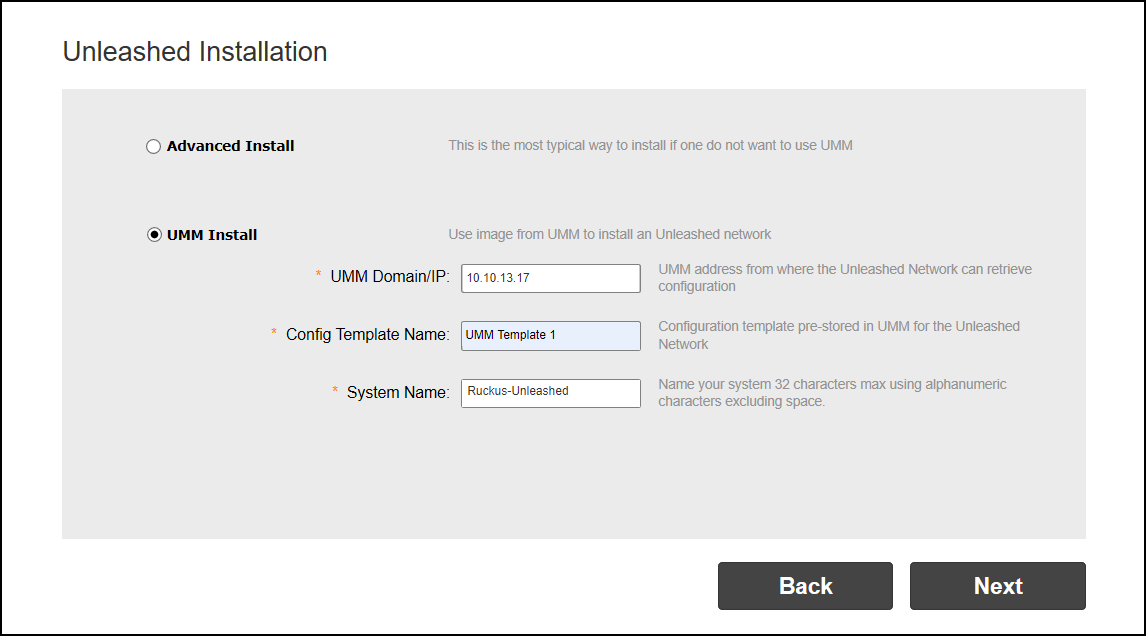
- On the second page of the installation wizard, select UMM Install.
- Enter the UMM Domain/IP address.
- Enter the Config Template Name of the deployment configuration template configured on UMM for the Unleashed network.
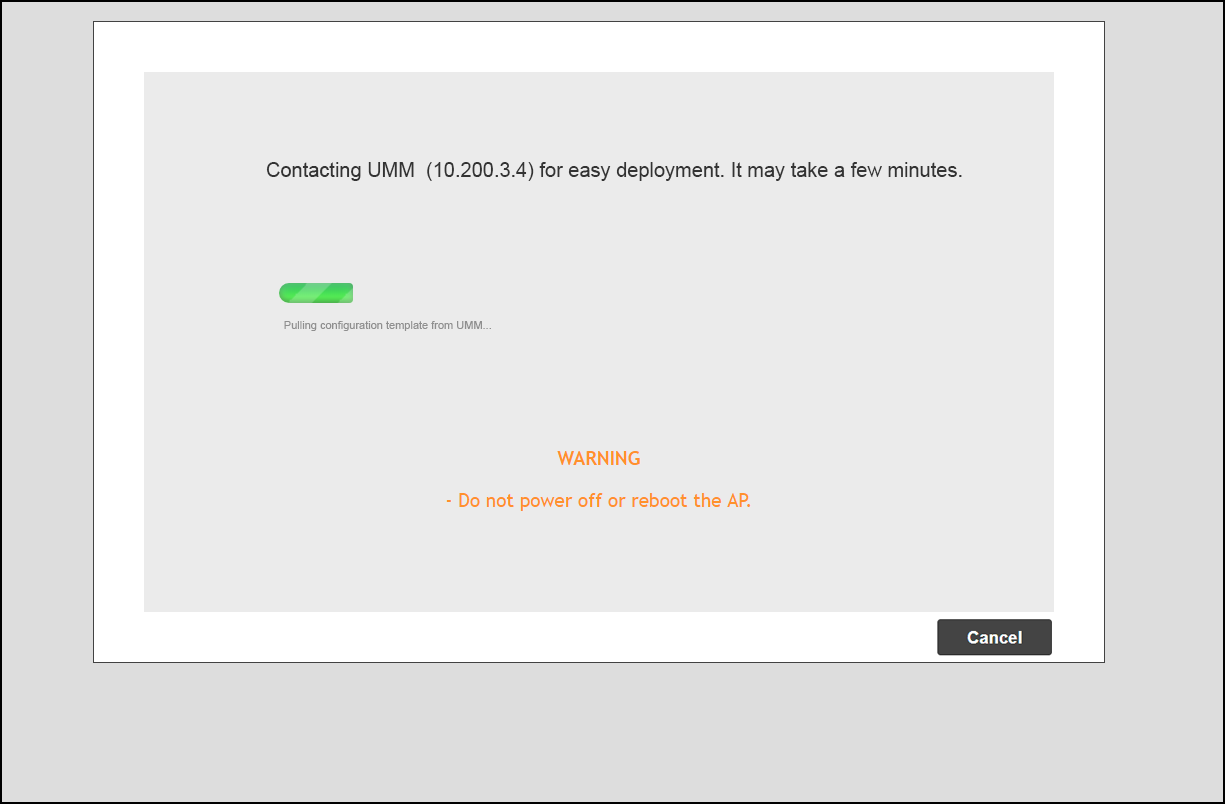
- Click Next. The Unleashed AP attempts to connect to the UMM server to retrieve the configuration template.
- If successful, the configuration template is pushed to the AP and the Unleashed deployment is configured according to the template.