Overview of the Setup Process
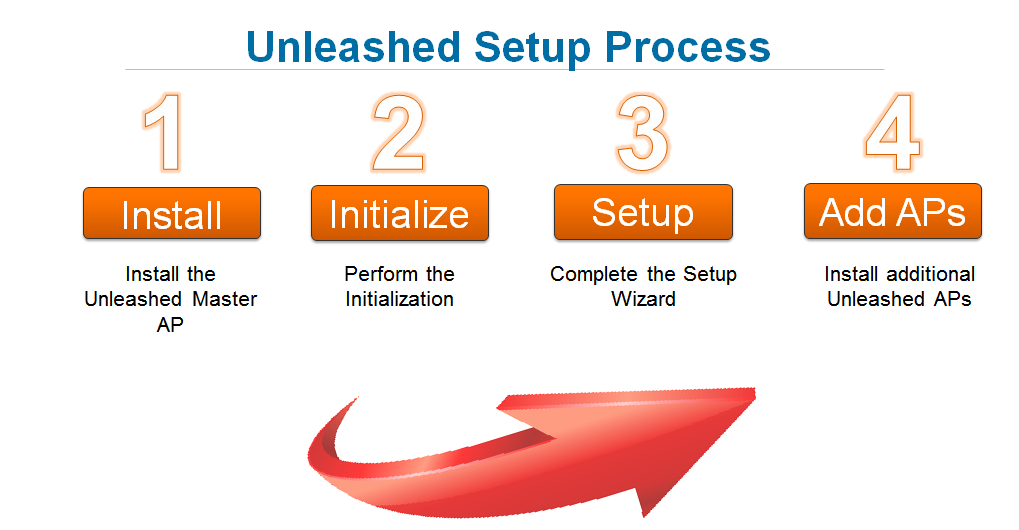
The following steps are required for setup and configuration of a RUCKUS Unleashed wireless network.
- Step 1: Unpack and Install the Unleashed Master AP
- Step 2: Configure Your Unleashed Network
- Step 3: Customize Your Wireless LANs
- Step 4: Deploy Additional Unleashed Member Access Points
- Begin Using Your RUCKUS Unleashed Network!
Note: For a video
presentation of this setup process, see the RUCKUS Training video Installing the Unleashed Master AP.