Recovery procedure
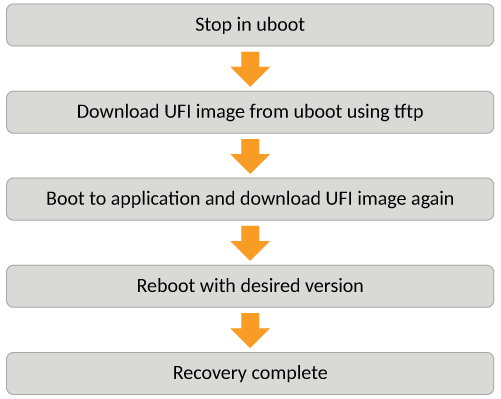
Follow the below steps, when the application fails to boot from both the primary/secondary
partitions.
- Stop at uboot prompt using the console.
- From uboot prompt, update the UFI for ICX 7850, or legacy image for all other ICX 7K platforms.
- Boot to FastIron application image and download UFI again.
- Reboot with the desired version.
Note: For ICX 7150 devices, new CPLD was released in Fastiron 08.0.61 release. If the ICX
7150 device is not running the new CPLD, additional reload is required during the
upgrade procedure.
Note: For 4K VLAN support in system max configuration, an additional automatic reload occurs
for non-active stack units.