Reset Password from the RUCKUS Network Director Admin Portal
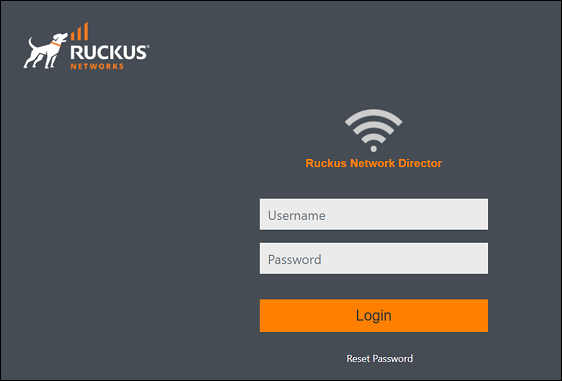
- Launch the web browser and browse to the RUCKUS Network Director Admin portal (https://[RUCKUS Network Director IP]:8443).
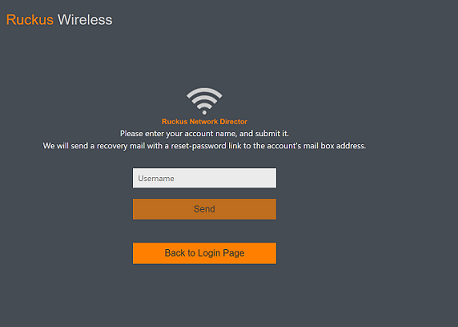
- Click Reset Password.
- Enter Admin in the Username field and click Send.
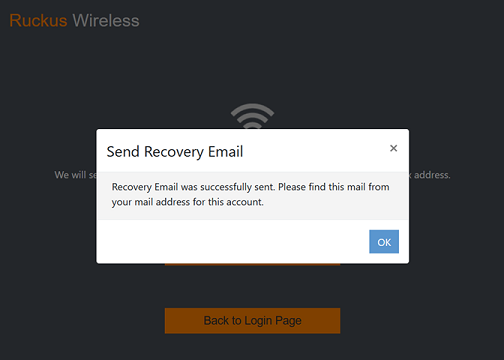
- Click OK.
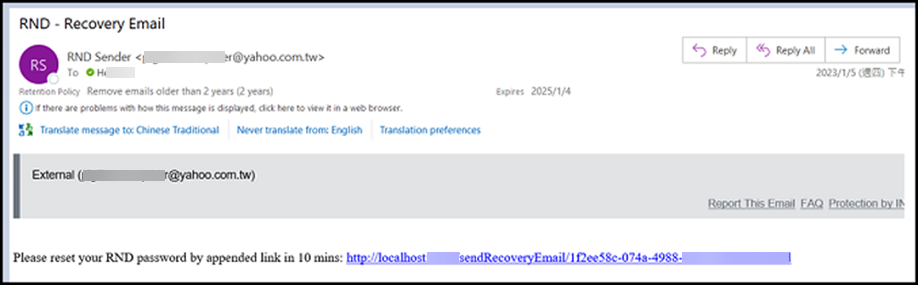
- Open the Recovery Email and click the reset RND password link provided in the email.
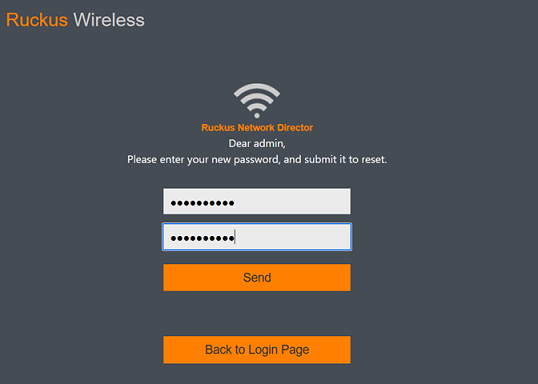
- Enter your new password in the field New Password, again enter the same password in the field Type New Password Again, and click Send.
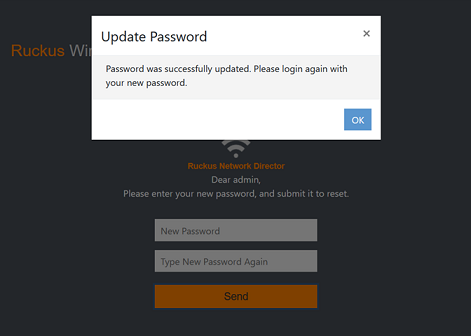
- Click OK.