Managing IoT Access Points
In this section:
- IoT AP OverviewSmartZone (SZ) holds the IoT AP firmware. You must make sure the IoT Access Point (AP) connects to SZ and downloads the appropriate IoT firmware. An IoT AP discovers SZ using discovery methods such as DHCP Option 43, Domain Name System (DNS), and Access Point Registry (APR) modes.
- Gateway Onboarding
- Adding an IoT AP
- Editing an IoT APThe administrator can edit an IoT AP to change its settings and name. Edits can be made on a single IoT AP or on IoT APs in bulk.
- Adding Tags to an AP
- Approval of IoT APs
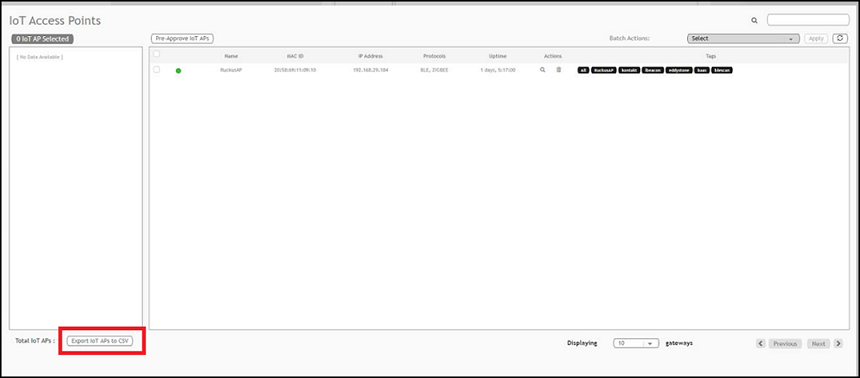
- Exporting IoT APs to CSV