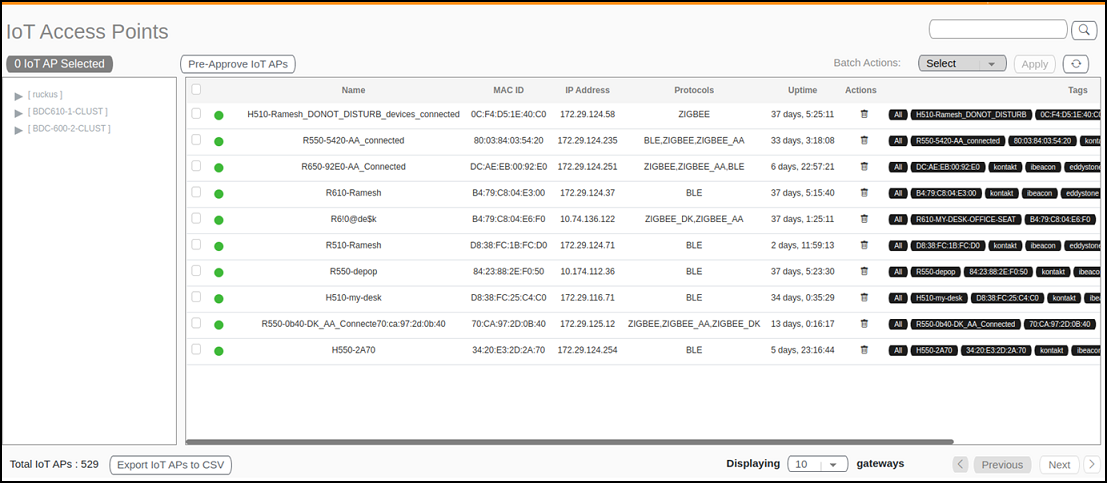
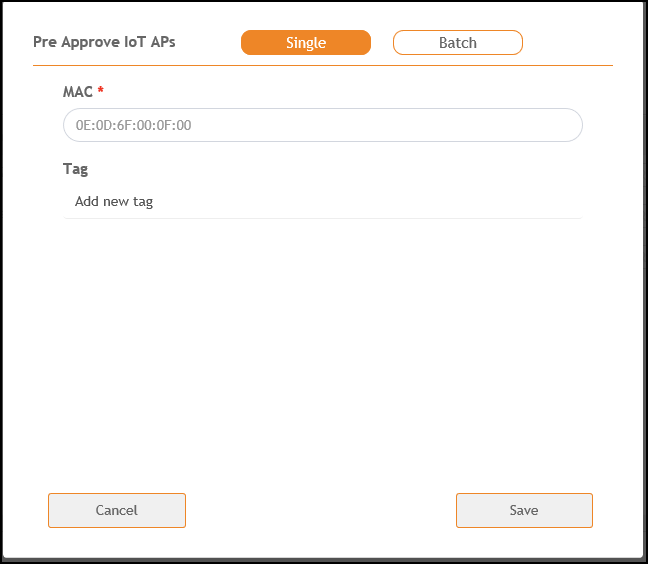
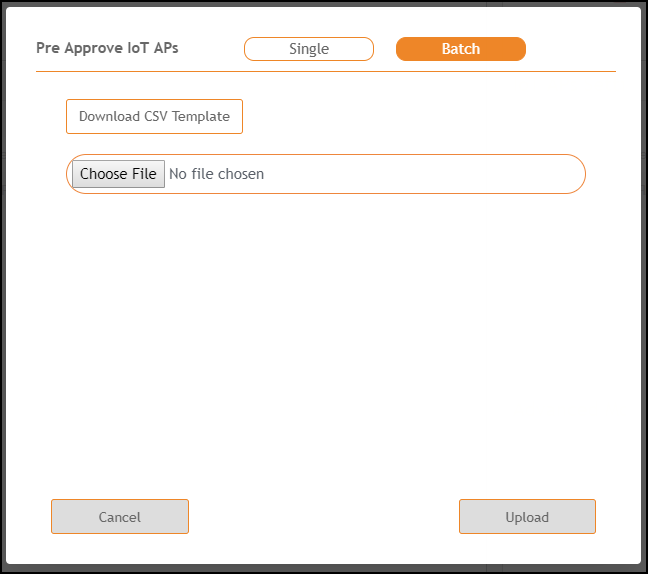
Adding an IoT APThe administrator can add an IoT AP to the RUCKUS IoT Controller to manage IoT devices. Complete the following steps to add an IoT AP to the controller. From the main menu, click IoT APs. The IoT Access Points page is displayed. IoT Access Points Page Click Pre-Approve IoT APs. The Pre-Approve IoT APs page is displayed. To add a single IoT AP, click Single. Adding a Single IoT AP Enter the MAC address of the IoT AP and click Save. The IoT AP is now added to the IoT AP list. Note: To add multiple IoT APs, click Batch and download the CSV template. Enter the required details in the CSV template and click Upload. Adding a Batch of IoT APs Parent topic: Managing IoT Access Points