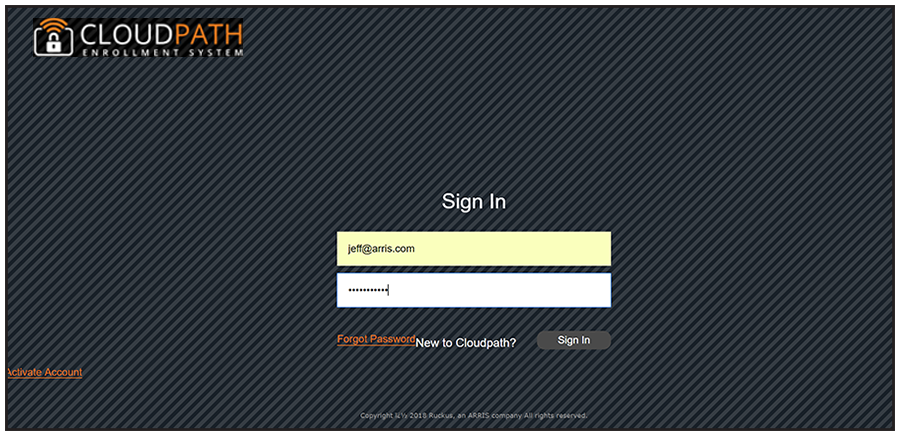
Setting Up the Root Account
The initial username and password will be used to bind the root account. You cannot use this account again on the system. No tenant accounts can use the same email and password as the root account.
After the multi-tenant system is activated, you are prompted to set a password for the root account administrator. Use the same email address from the activation code email.
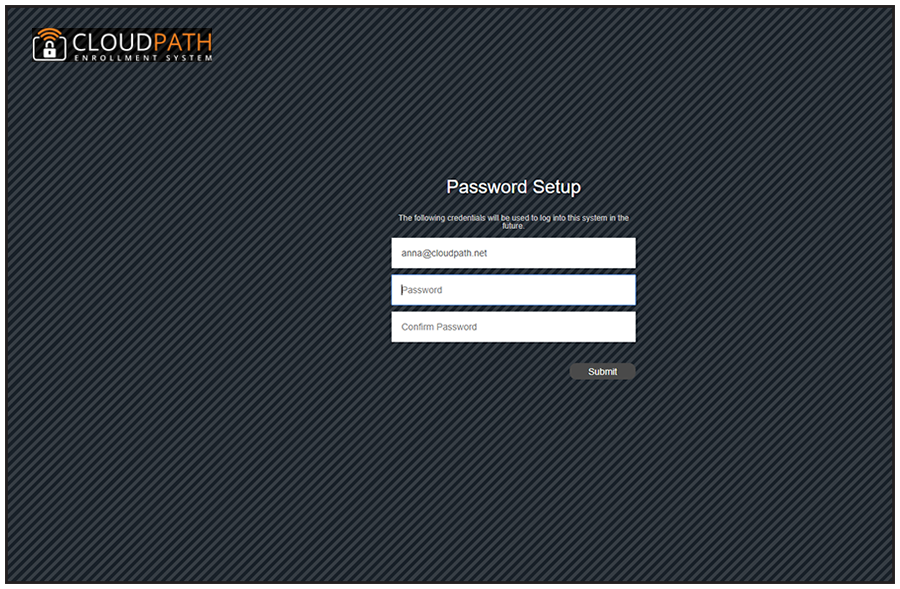
Create a new password for the root account login.
After you enter the multi-tenant activation code, your system is automatically reconfigured as a multitenant system, then restarts.
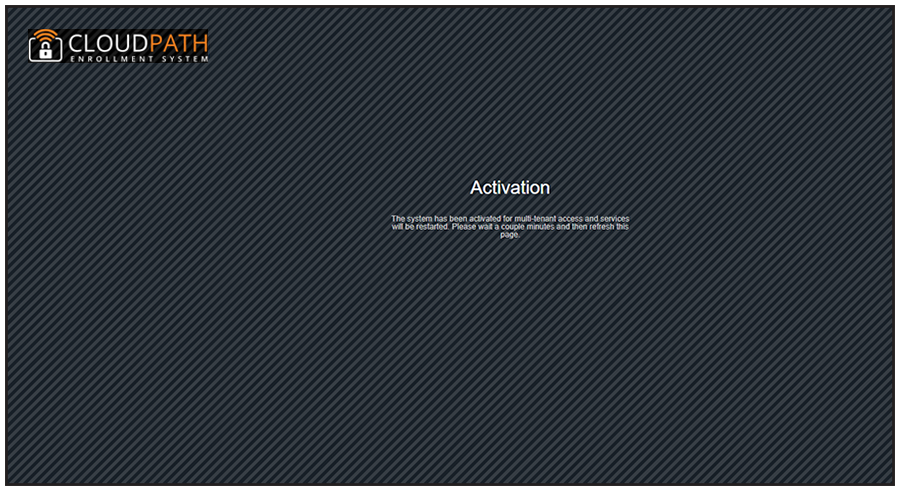
Reconfiguring the server to be a multi-tenant system takes a few minutes. When complete, enter the administrator email address and new password to finish setting up the system.