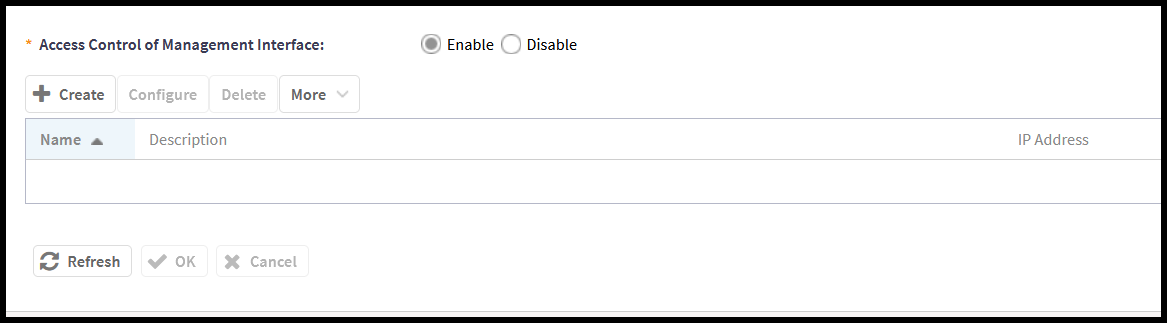
Managing the Access Control of the Management Interface
- From the main menu, navigate to .
- To create a new access control management rule, click Create.
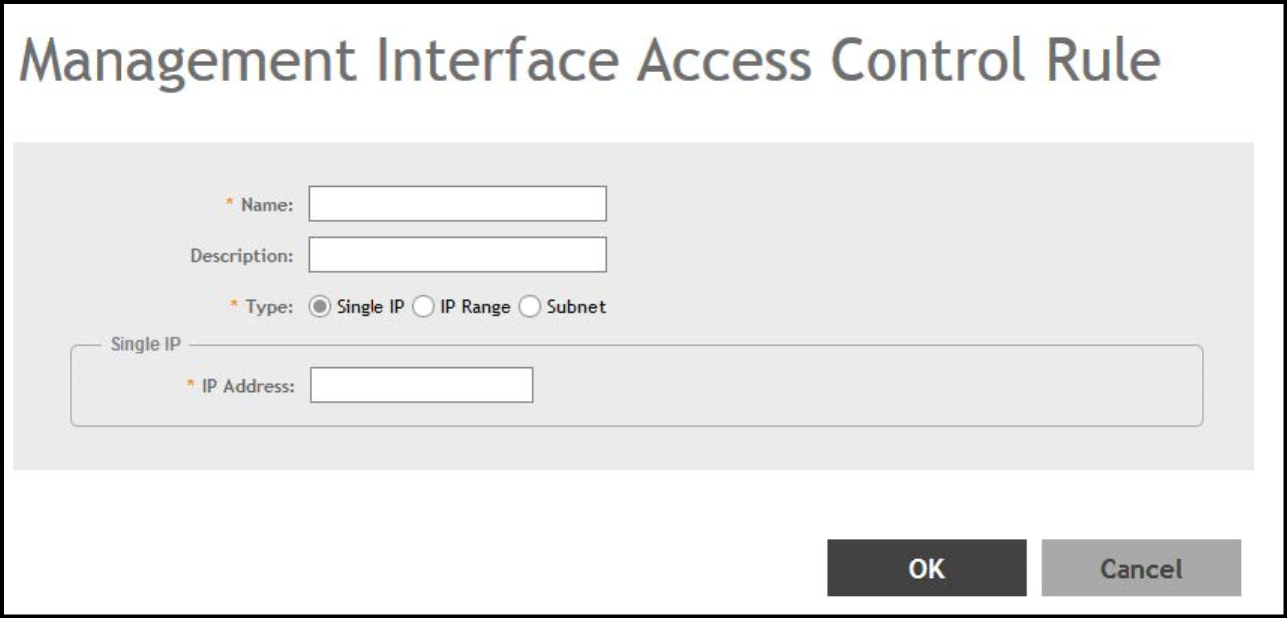
- Enter the following details to create a new management interface access control
rule:
- Name: Enter a name to identify the rule.
- Description: Enter a short description for the rule.
-
Type: Select one
of the following:
- Single IP: Enter the IP address of the host that is allowed to access the management interface.
- IP Range: Enter the range of IP addresses that are allowed to access the management interface.
- Subnet: Enter the network address and subnet mask of the subnet that is allowed to access the management interface.
- Click OK. The new management interface access control rule is added to the Access Control List.