Editing or Deleting the Tunnel Profile
As your network evolves, you may edit or
delete Tunnel Profiles, as necessary.
Complete the following steps to edit or delete a Tunnel Profile:
- From the navigation bar, select
.The Policies & Profiles page is displayed.
- In the Policies &
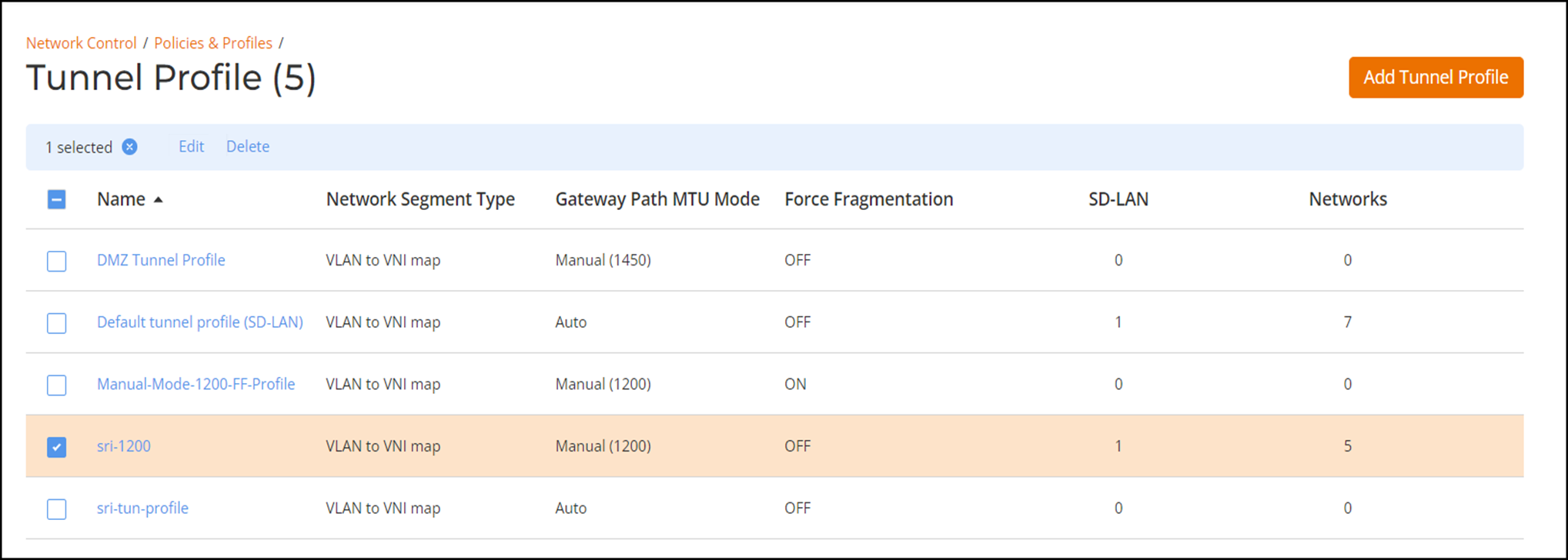
Profiles page, click the Tunnel Profile tile.The Tunnel Profile page is displayed.
- Select the checkbox next to the profile that you want to edit and click Edit. Alternatively, click on the profile Name, and click Configure.
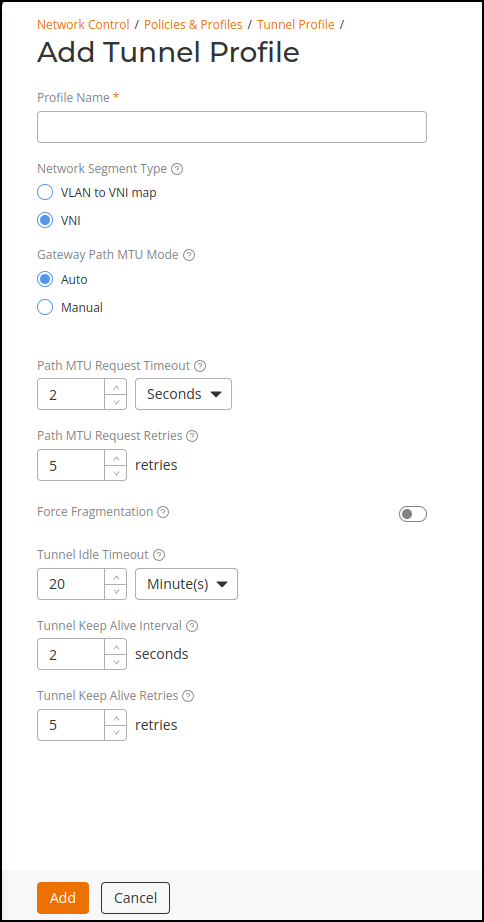
- Update the Profile Name, Network Segmentation Type, Gateway Path MTU Mode, Path MTU Request Timeout, Path MTU Request Retries, Force Fragmentation, Tunnel Idle Timeout, Tunnel Keep Alive Interval, or Tunnel Keep Alive Retries options, as necessary, and click Apply.
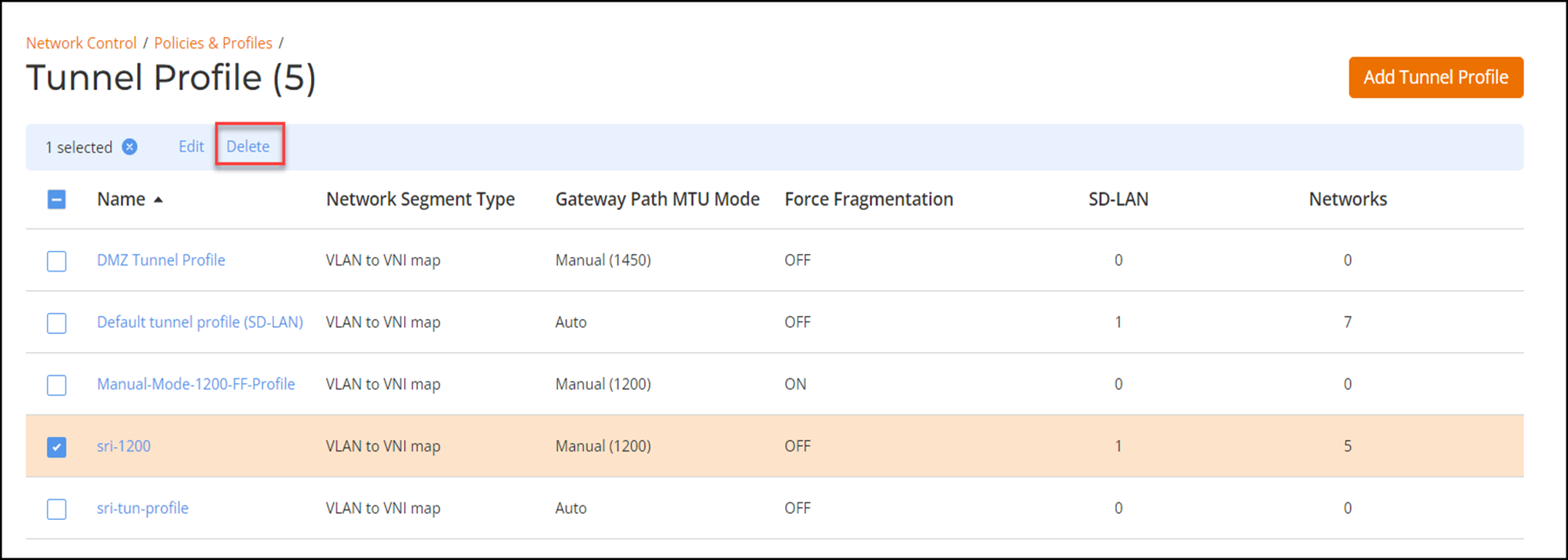
- Complete the following steps to delete a tunnel profile: