Deleting an Existing Insights User
- From the main menu, go to .
- Username: From the User Name list, select the name of the user you want to delete.
- Click Delete to delete the user from the RUCKUS IoT Insights database.
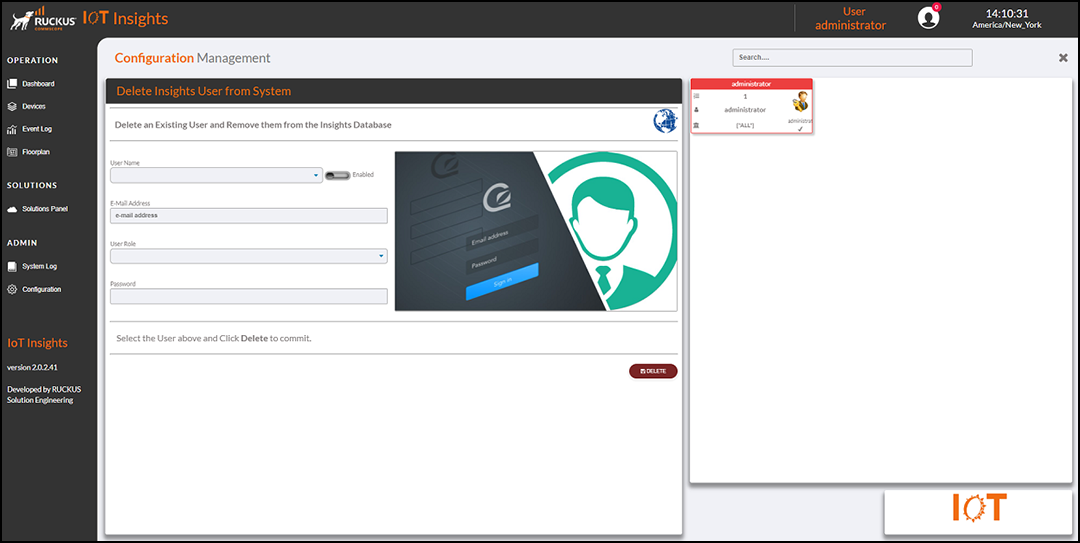
The Current Users table lists the user details, including the ID, role, name, sites, and whether the user is enabled.
You can enter search criteria in the Search field to search the Current Users table for information.