RUCKUS Network Director Administration and Management

Logging In to RUCKUS Network Director

Note: No special system configuration is necessary for RUCKUS Network Director. The web interface and APIs are available over HTTPS once the system is started.
Complete the following steps to log in to the RUCKUS Network Director admin portal.
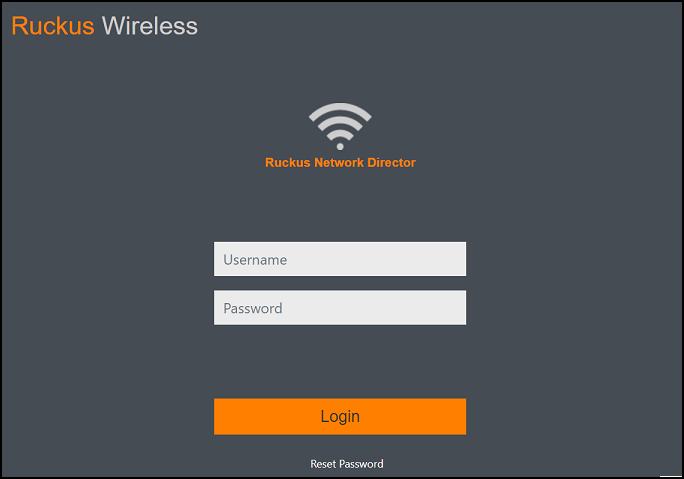
  1. Launch a web browser and browse to the RUCKUS Network Director Admin Portal (https://[RUCKUS Network Director IP]:8443). The RUCKUS Network Director login page is displayed.

    RUCKUS Network Director Login Page

  2. Enter the default login credentials:
    • Username: admin
    • Password: admin
  3. Change the admin password.
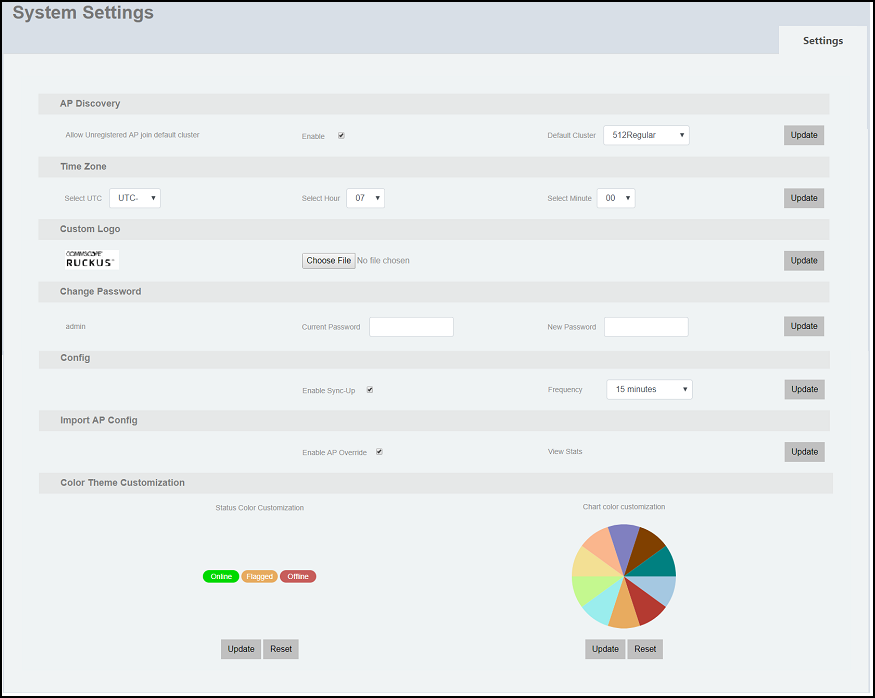
    1. Go to Admin > System Settings. The System Settings window is displayed.

      System Settings: Change Password

    2. Complete the following fields under Change Password to update the admin password:
      • Current Password: Enter the current password.
      • New Password: Enter the new password.
    3. Click Update to save the changes.

Managing the RUCKUS Network Director Application

No special management is required to manage the RUCKUS Network Director application. Standard CentOS system management monitoring is applied.