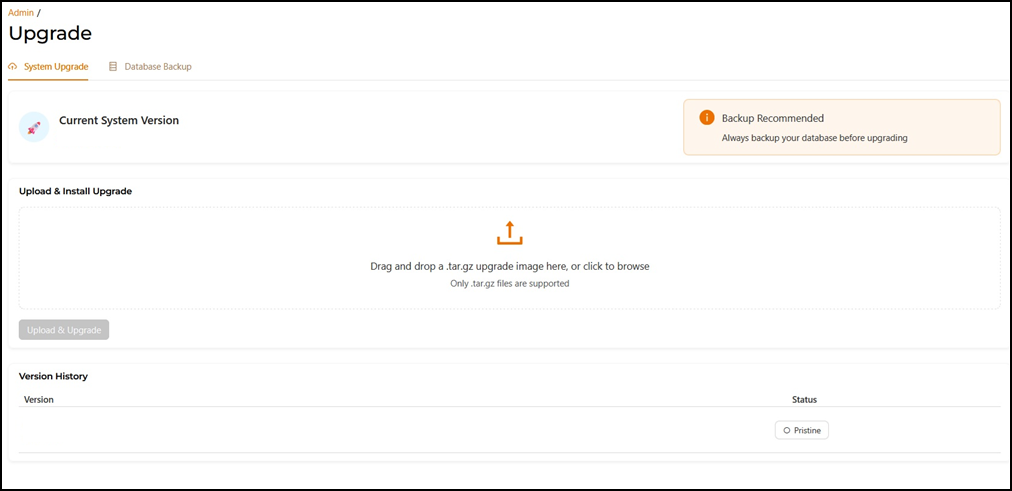
Upgrading the RUCKUS IoT Controller Firmware Version
RUCKUS frequently releases updates to RUCKUS IoT Controller. The administrator
normally receives any updates about new and updated software by email.
Note: Before upgrading to a newer
firmware version, back up and store your data file.
Follow these steps to back up your data and upgrade the RUCKUS IoT Controller firmware.
- From the RUCKUS IoT Controller main menu, select .
- Click Upgrade.
- Under the System Upgrade tab, inside the Version History section, select the newer version of RUCKUS IoT Controller and click Upload & Upgrade to update the software.
- Under the Database Backup tab, you can create, download, restore or delete a backup file. For more information, refer to RUCKUS IoT Controller Configuration Guide.