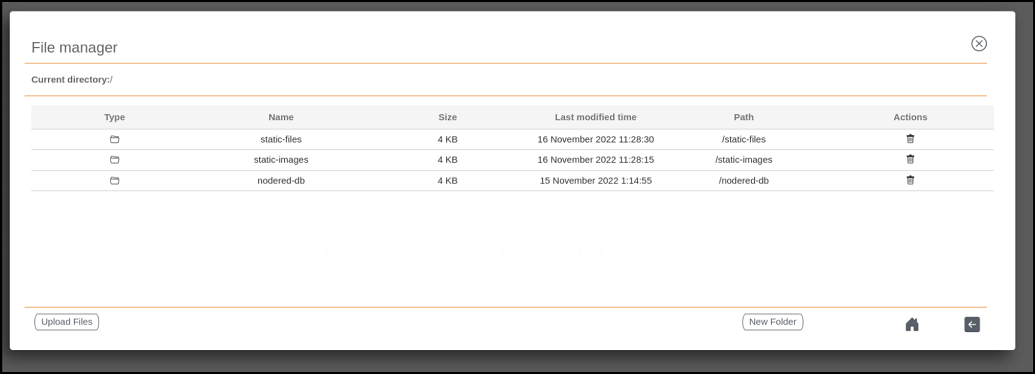
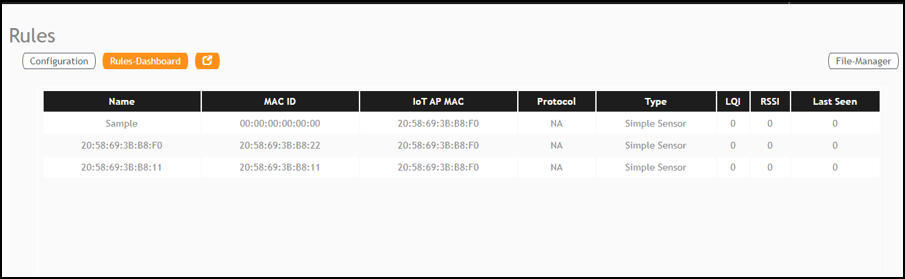
Rules-Dashboard The Rules-Dashboard displays the configured rules. From the main menu, click Rules > Rules-Dashboard. Rules-Dashboard The Rules-Dashboard lists the configured devices. Click . A browser opens with the Rules-Dashboard page. Click File-Manager. A File-Manager page opens Click Upload Files. Uploading Files in the File Manager Note: The following file-formats are supported to upload the file. HTML CSS PNG JPEG GIF Parent topic: Rules Engine
 .
.