Backing up Rules
The
RUCKUS IoT Controller allows you to back up and restore the static files, and node-red flows. You can restore
an existing flow or file on the
RUCKUS IoT Controller from which it originated, or restore a from a different
RUCKUS IoT Controller. Backed up files are in the tar.gz format.
- From the main menu, click Admin.
- In the left navigation pane, click Rules Backup.
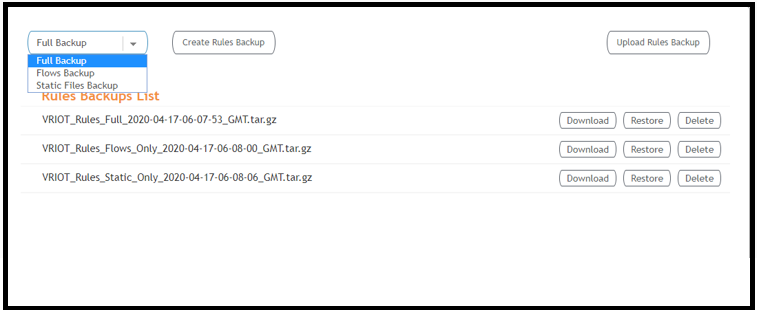
- Select either of the following from the drop-down, and click Create Rules Backup.
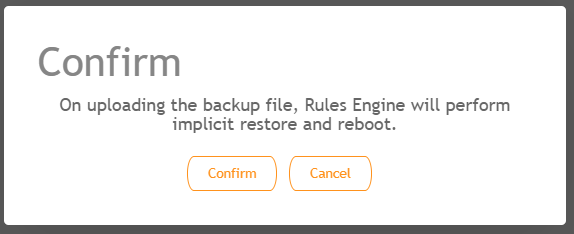
- Click Upload Rules Backup to upload back up.
- Click Download to download the backup, Restore to restore the backup, and Delete to delete the backup.