Creating a RUCKUS IoT Controller EC2 Instance
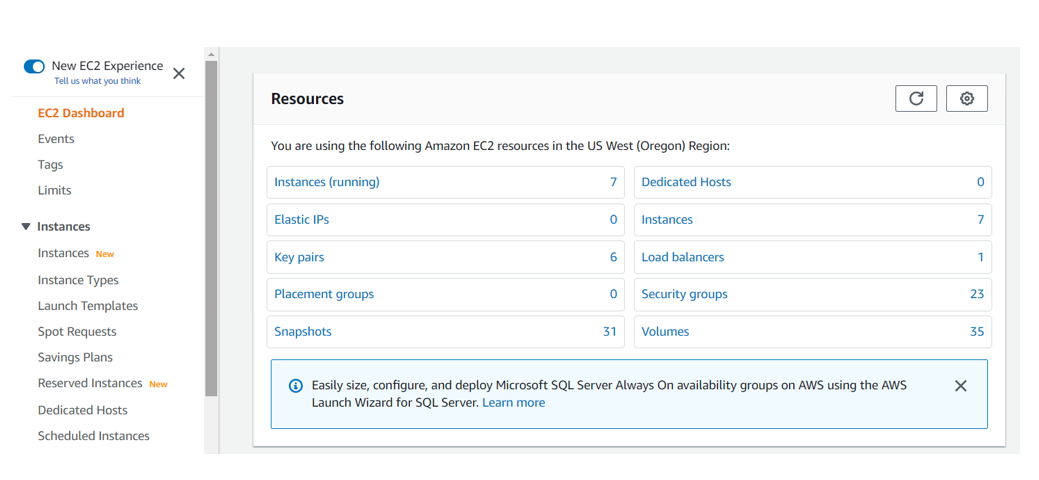
- In the AWS Web Interface, click .
- Navigate to to ensure that the imported Amazon Machine Image (AMI) exists.
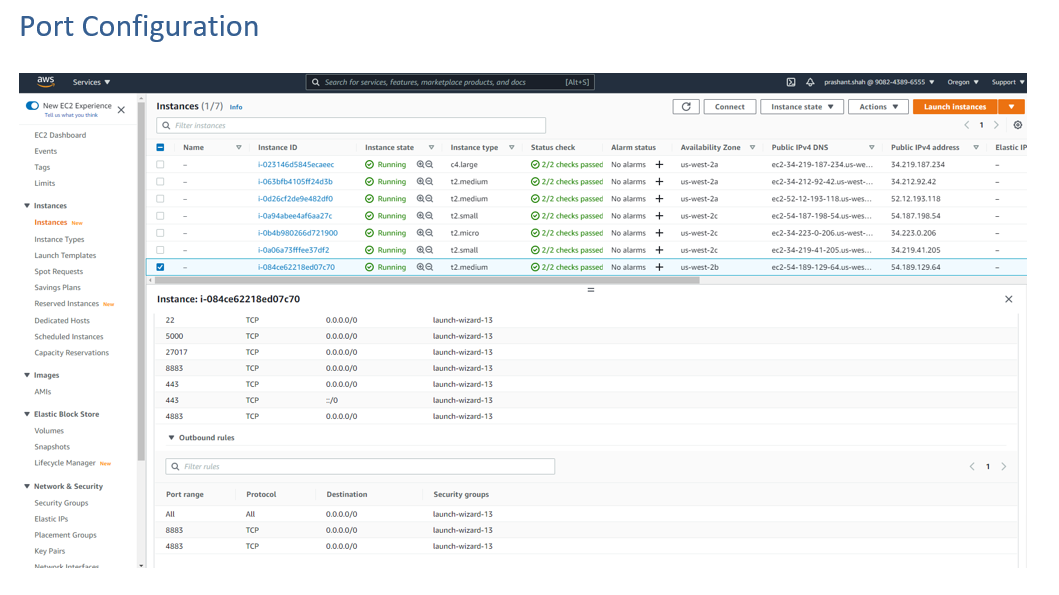
- Navigate to The security group acts as a virtual firewall that controls the traffic for one or more instances.
- Define the Setup
group name, Description,
Ports and the Firewall
rule.The table lists the common service ports.
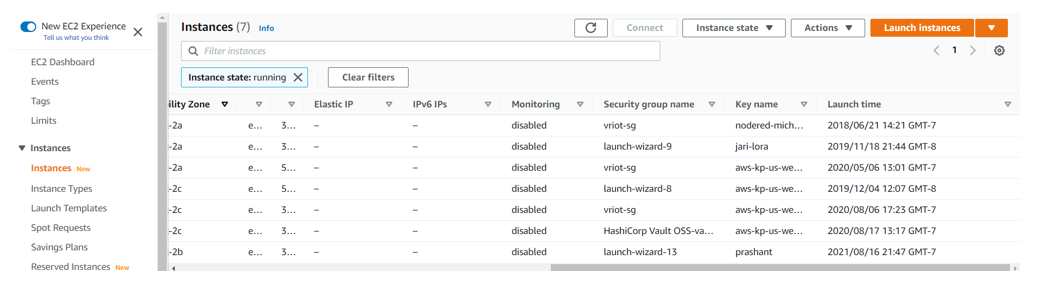
- Navigate to Instances and click Instances.
- Select the "Key-Nmae" of the IoT instance
- Complete the required port details.