Enabling Passpoint on the Cloudpath System
Enable Passpoint from the left menu by selecting the Configure > Passpoint OSU tab.
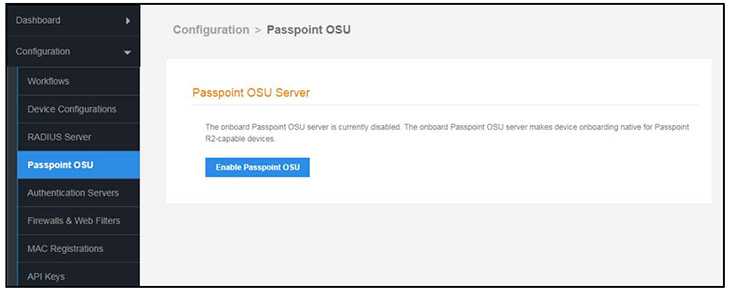
Enabling Passpoint restarts the web server and displays the Passpoint Configuration page, which allows you to upload the Hotspot 2.0 WWW certificate and configure the Passpoint hostname and port.
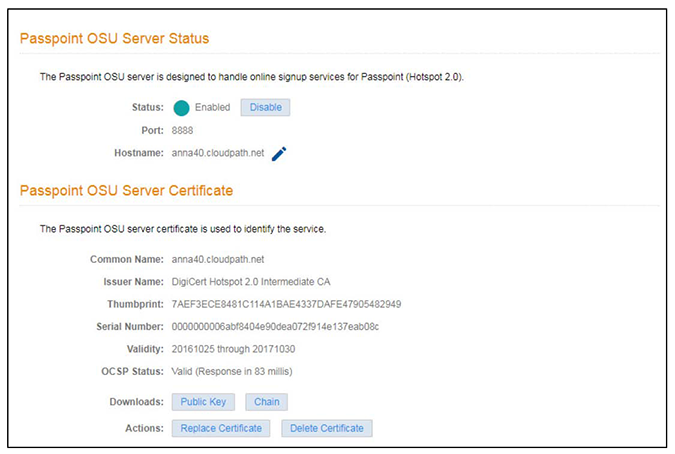
The web server restarts after the Hotspot 2.0 WWW certificate has been uploaded.
Note: Enabling Passpoint on the system allows you to configure the server and upload the Hotspot 2.0 WWW certificate. However, you must also enable Passpoint for any device configuration that supports Passpoint. See Device Configuration Passpoint Settings.