Configure Network Identifier
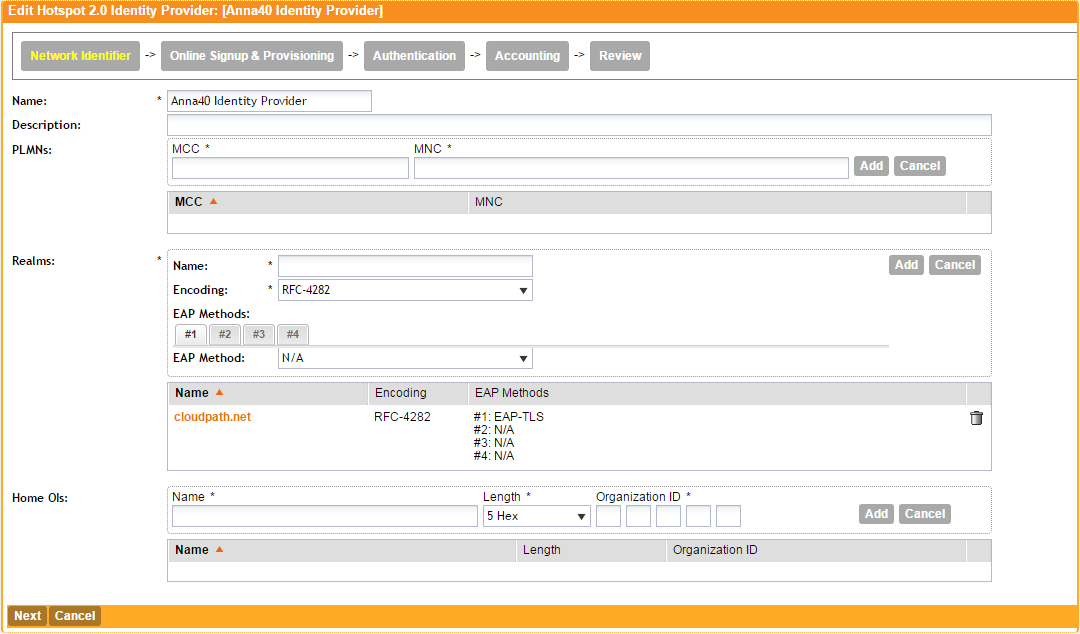
- On the Network Identifier tab, Enter a Name for the Identity Provider.
- Enter the Realm for the Cloudpath system, and EAP Method for the Identity Provider. You can enter multiple EAP Methods for the same Realm.
- Leave the default values for the remaining fields, and click Next to apply changes and continue with Online Signup & Provisioning.