Service Account Recovery
If you are locked out of the service account, you can log in via SSH to a Recovery account.
Note: You must contact Cloudpath Networks Support to obtain a recovery password.
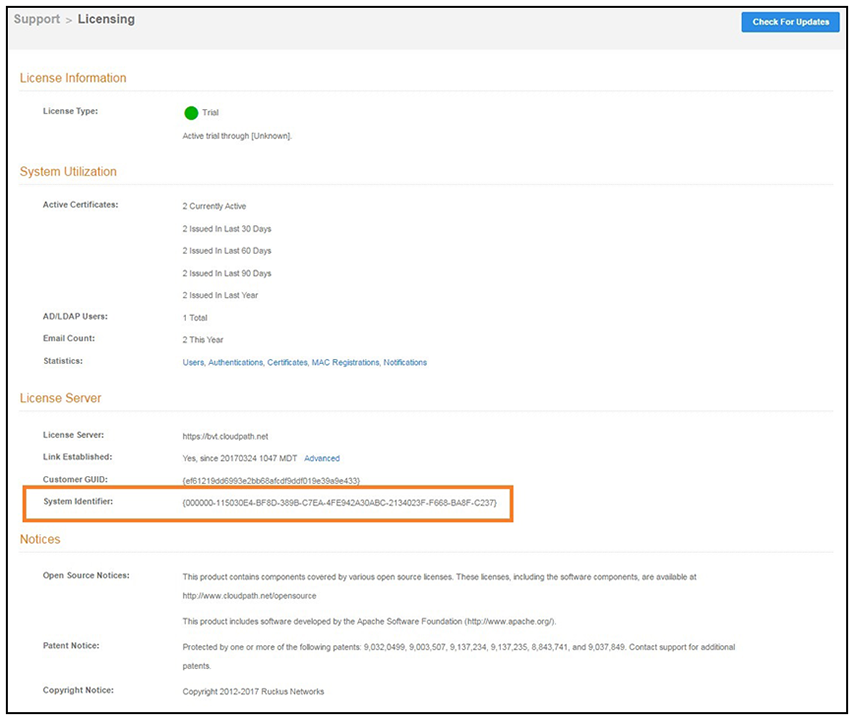
To receive a recovery password for the service account, you must provide the System Identifier and current Version on your system.