Creating an API Key
For Cloudpath to honor inbound requests from external systems, the external system must authenticate using an API key. The API key is part of the API query used to retrieve information from the Cloudpath system. To create an API Key, perform the following steps:
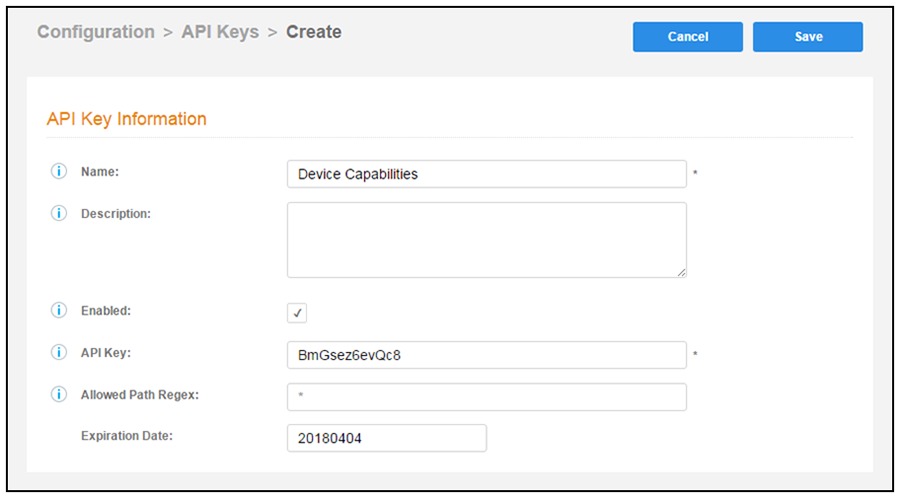
Cloudpath provides a generated APIKey, or you can specify a custom key. An API key must be URL-safe.
The Allowed Path Regex is a regex specifying the paths allowed to be called with this API key. For example,/admin/api/.*/certificate/.* can query anything in the 'certificate' realm. If left blank, there is no restriction.
For the Expiration Date, the Cloudpath system defaults to a one-year expiration, but this value can be modified.