User Experience With Alexa Vouchers
Enrolling users can request a voucher from Alexa before or during the enrollment process.
The sequence of steps for the user obtaining the voucher is:
- The user must speak these exact words to the Alexa device or application: "Alexa, ask network admin to get me on the network."
- Alexa then asks for the user's phone number to which to send an "access code."
Note: If the user does not obtain the access code almost immediately, the user should repeat the step to obtain the code because Alexa may not have interpreted the phone number correctly.
- The user speaks clearly to the Alexa device or application and provides his or her phone number, beginning with the country code.
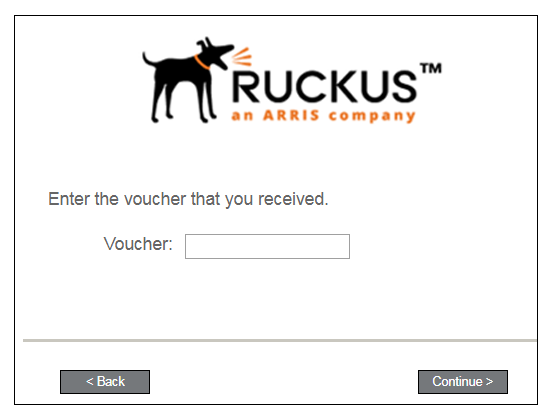
During the enrollment process, when the user is presented with the following screen, he or she should enter the voucher code received from Alexa, then click Continue.
The enrollment process continues. The secure network should appear in the user's WiFi list on their device so that they can connect to that network. You can refer to the Cloudpath Enrollment System user experience guide for your device for descriptions and screen shots about the remainder of the enrollment process.