Installation with Local Upgrade
The Local Upgrade option during the installation settings allows the admin to upgrade the RUCKUS Unleashed firmware to a newer release build prior to deployment.
To perform a local upgrade before completing the RUCKUS Unleashed setup:
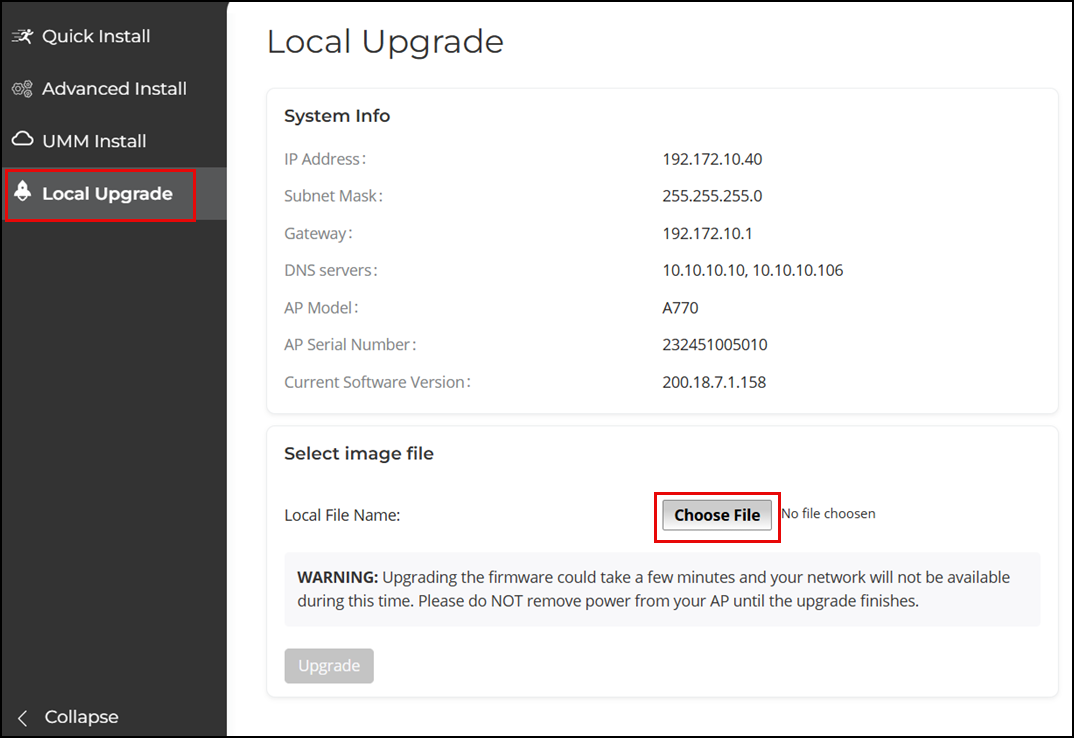
- On the first page of the setup wizard, select Local Upgrade. The Local Upgrade page is displayed.
-
UnleashedClick Choose File and select the locally stored RUCKUS Unleashed image file.
- Click Upgrade.
- When the upgrade is completed, click Reboot to reboot the AP and restart the installation process using the new firmware.