Renaming a Client
Unleashed collects client host names from the client's operating system and displays
them in client lists, tables and charts on the web interface. However, the host names
provided by the OS are often not very useful in identifying clients on the network.
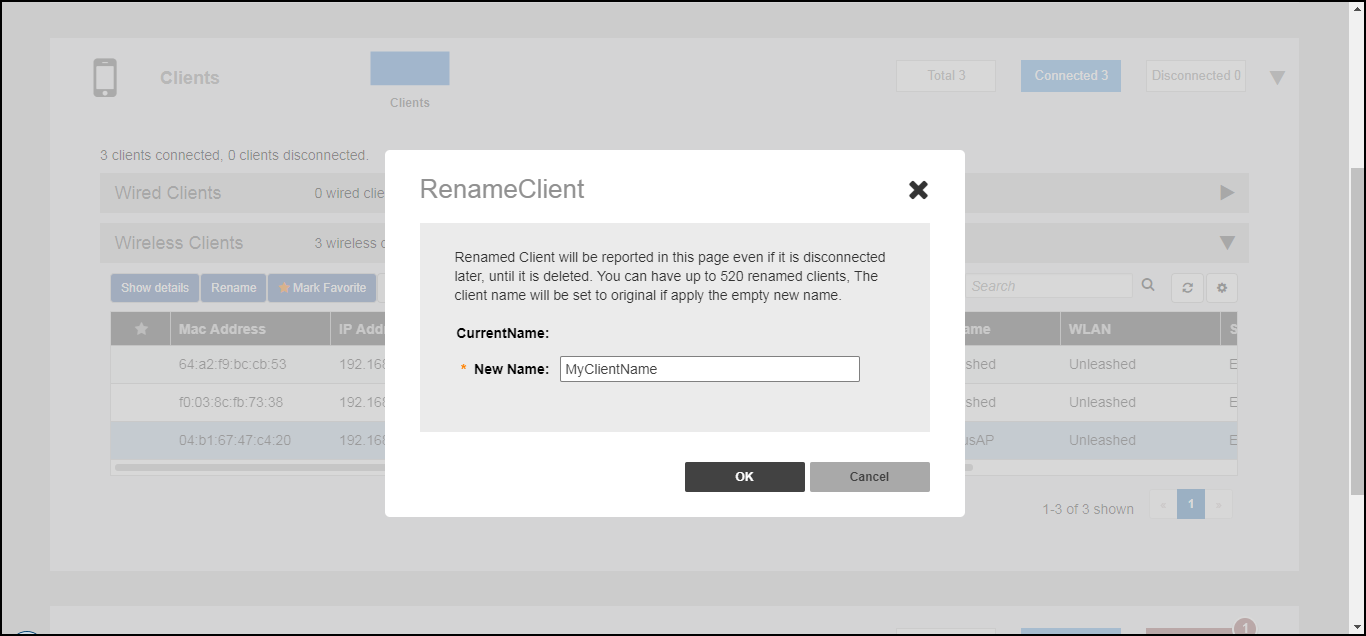
Entering a custom host name manually via the web interface is one way to address this issue.
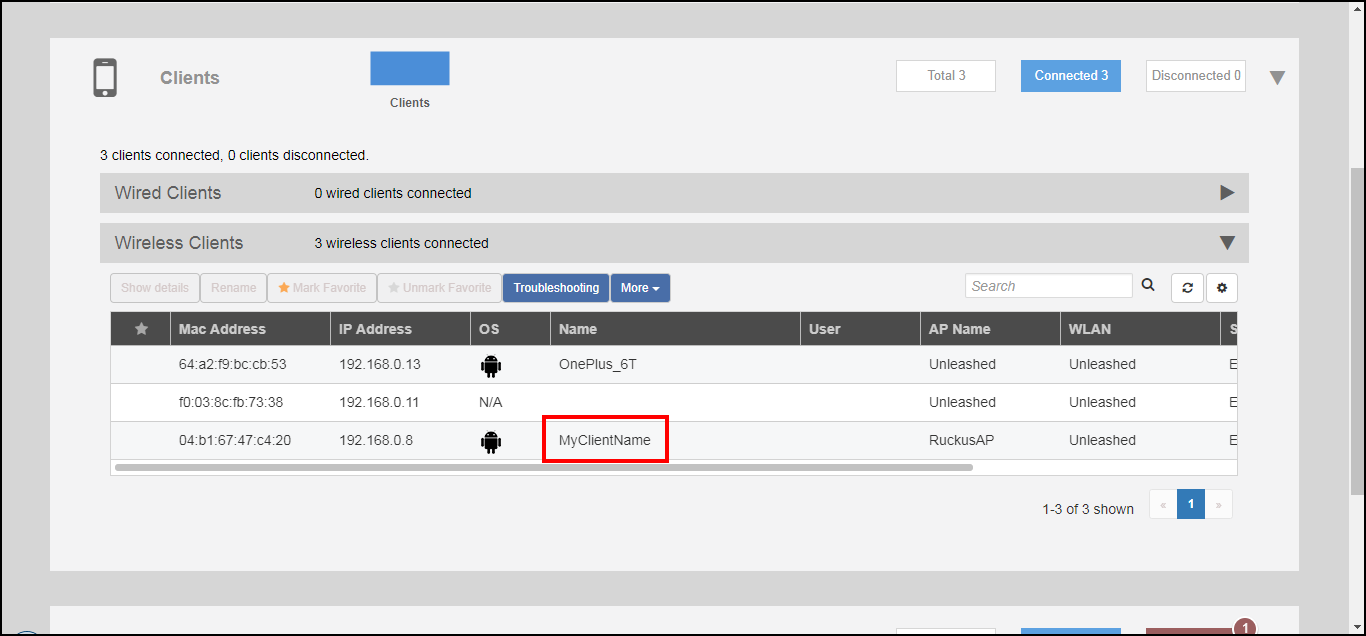
Any renamed clients will be displayed using the new name whenever they are online. The maximum number of marked clients is 520. When this max is reached, Unleashed will delete the oldest renamed offline stations, 10 stations at a time, and trigger an alarm event to indicate the renamed stations have been deleted.
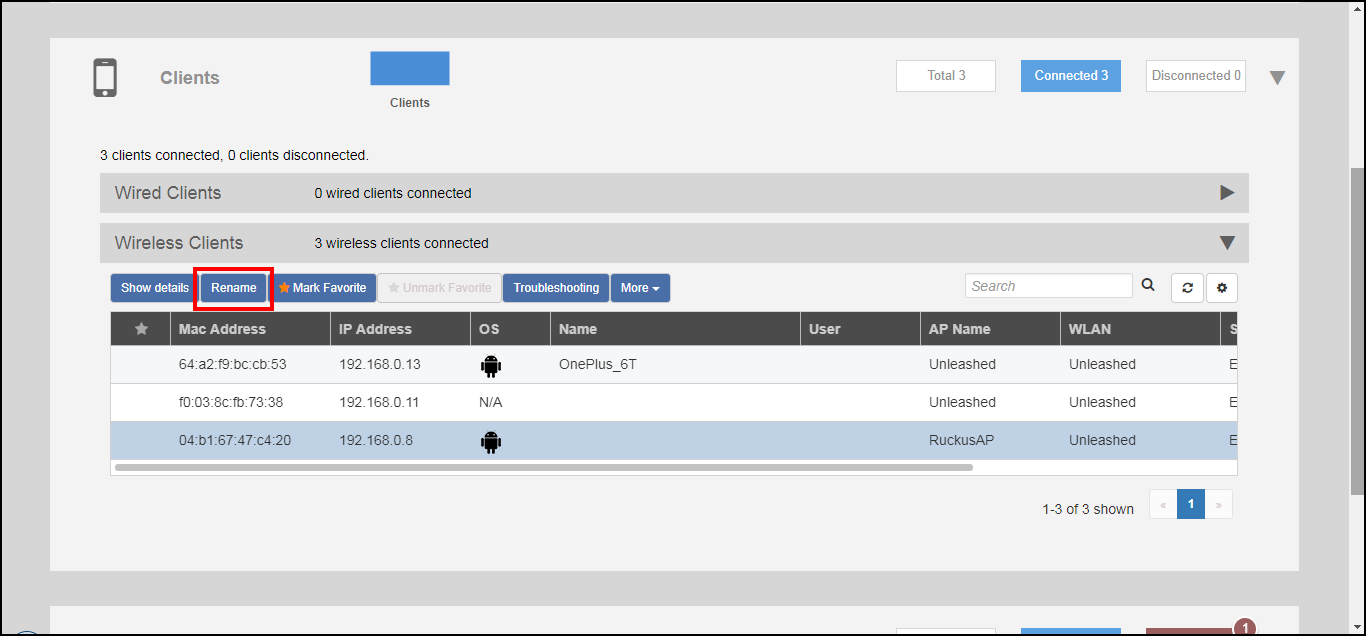
To rename a connected wireless client: