Creating WLAN for Network Segmentation
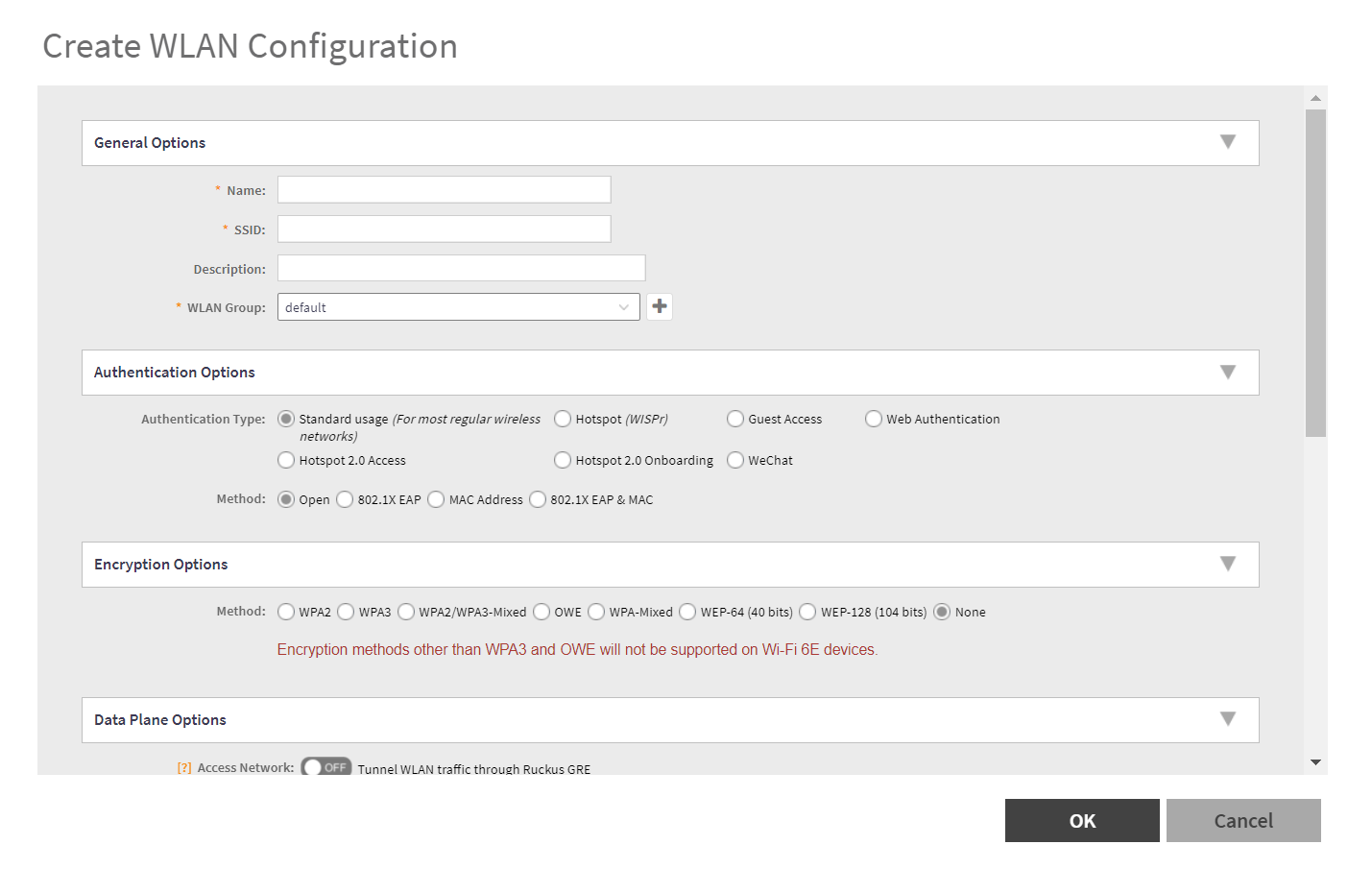
- Go to the Network> Wireless Lans> System.
- Click Create ..
- Enter the "Name" and SSID in general options.
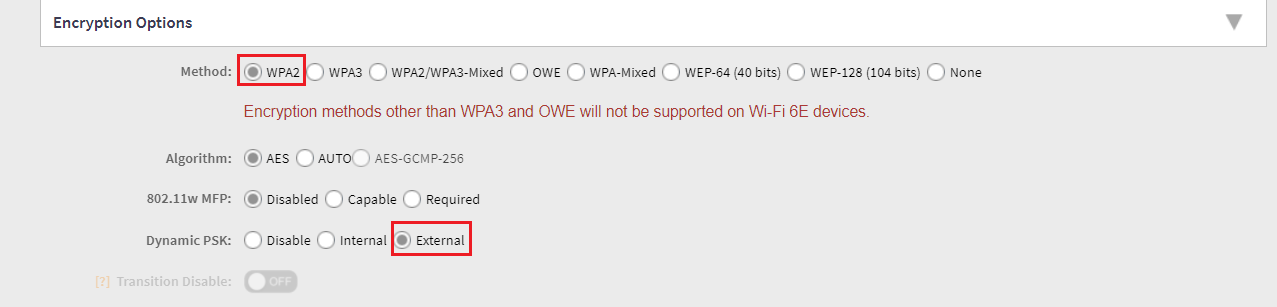
- Select WPA2 in encryption options.
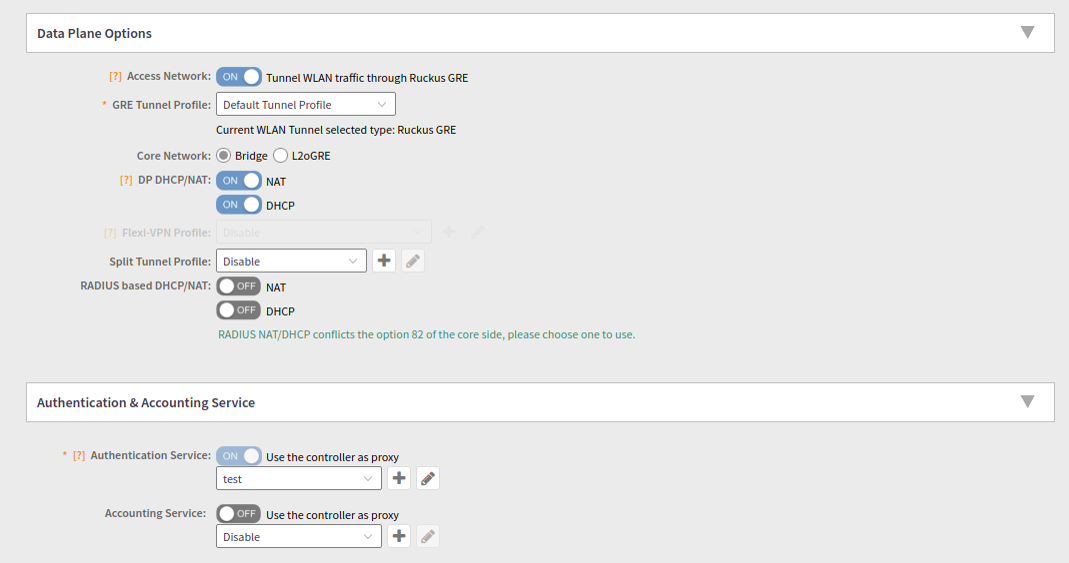
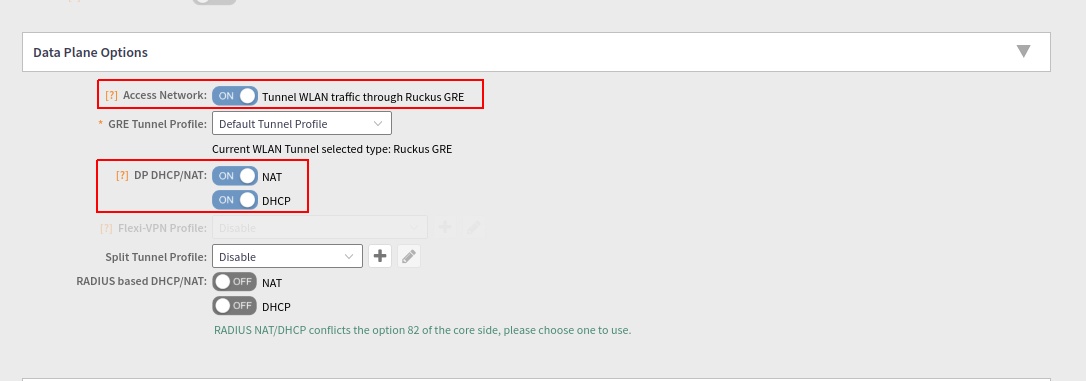
- In Data plane options, Enable "Access network".
- Enable NAT.
- Enable DHCP.
- Enter GRE tunnel profile with "Ruckus GRE" .
- Enable
Authentication Service .
Note: WLAN will not be displayed, if any of the above conditions are not met.
For Authentication and Accounting from SmartZone.