Querying the Licensing Portal
To view software license information for a particular product, you can find that information
on the Ruckus Licensing Portal with an Activation Code or serial number.
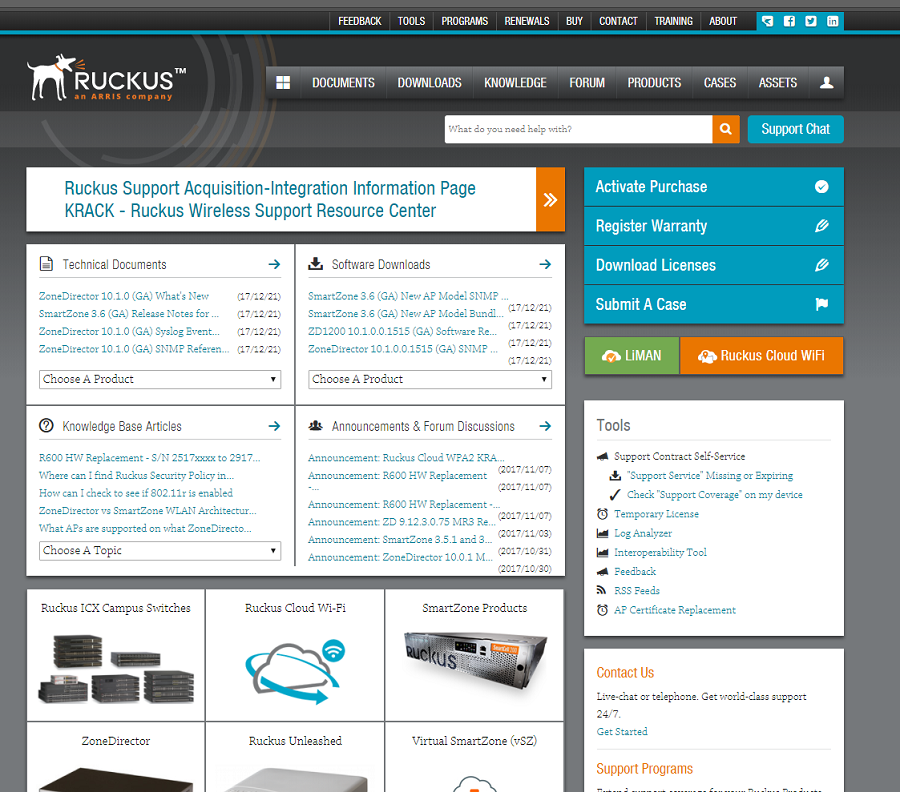
- To view software license information, go to https://support.ruckuswireless.com//. The Support window appears.
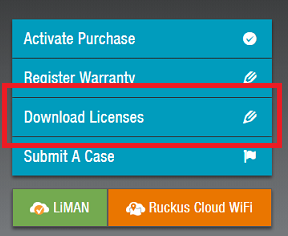
- Select Download Licenses.
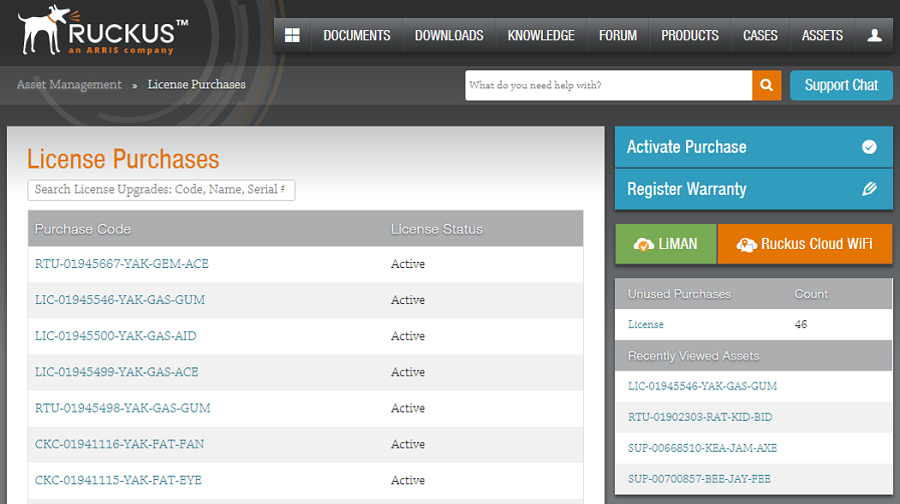
- Search for your license using either your Activation Code or serial number.
- Depending on the status of the license (for example, whether or not the license was
generated), the report includes the following product information:
If the query is performed before the Activation Code is generated, the hardware-related information will not appear as part of the search results. Similarly, if the query is performed before the license is generated, some of the information in the software-related information will not be displayed.
- Click more or less in ID value to view the serial number.
- Click the License hyperlink to download the license information.
- Click Export to Excel to download the report for sharing or archiving purposes, or click Search Another Unit to query another product.