Multi-Tenant System Setup
Multi-Tenant Activation Code
Before setting up a multi-tenant system, you must obtain a multi-tenant activation code from the Cloudpath license server administrator. Request a multi-tenant activation code by emailing cloudpathtrial@ruckuswireless.com, or ask your Ruckus Wireless sales representative to assist with obtaining a multi-tenant activation code.
Activate Account by Activation Code
A multi-tenant activation code is sent by the Cloudpath license server administrator. Example email with activation code:
An activation code has been generated for an on-premise multi-tenant VM.

Activation Code: CE4E-E533-906A
Account: Anna Test BVT
Administrator: anna@cloudpath.net
After the VM is deployed, enter the hostname of your system in a browser to access the Cloudpath login page.
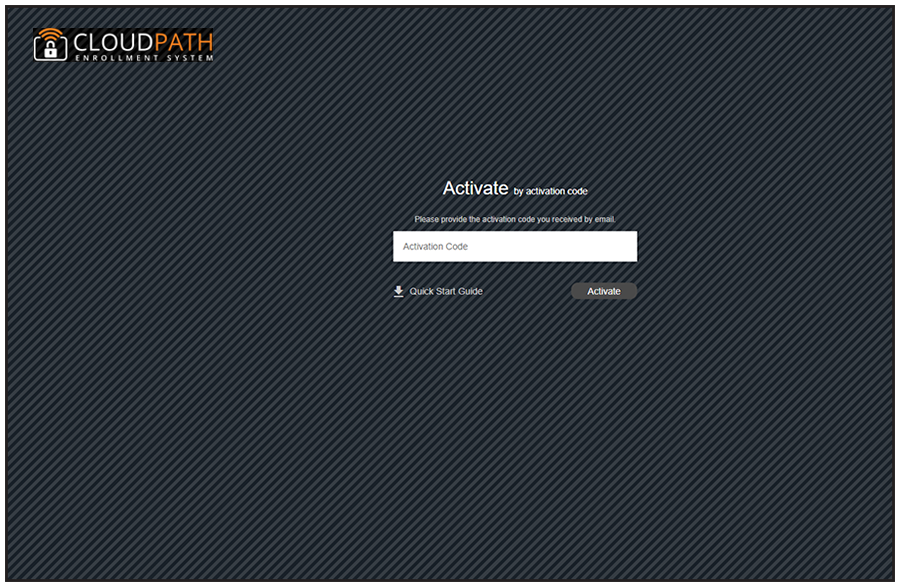
Enter your multi-tenant activation code.