Enabling Syslog Message Delivery
To configure ZoneDirector to send event messages to a syslog server, go to on the ZoneDirector web interface and scroll down to the Log Settings section. Click Enable reporting to remote syslog server at _____ (IP address) and enter the IP address of the destination server in the field provided.
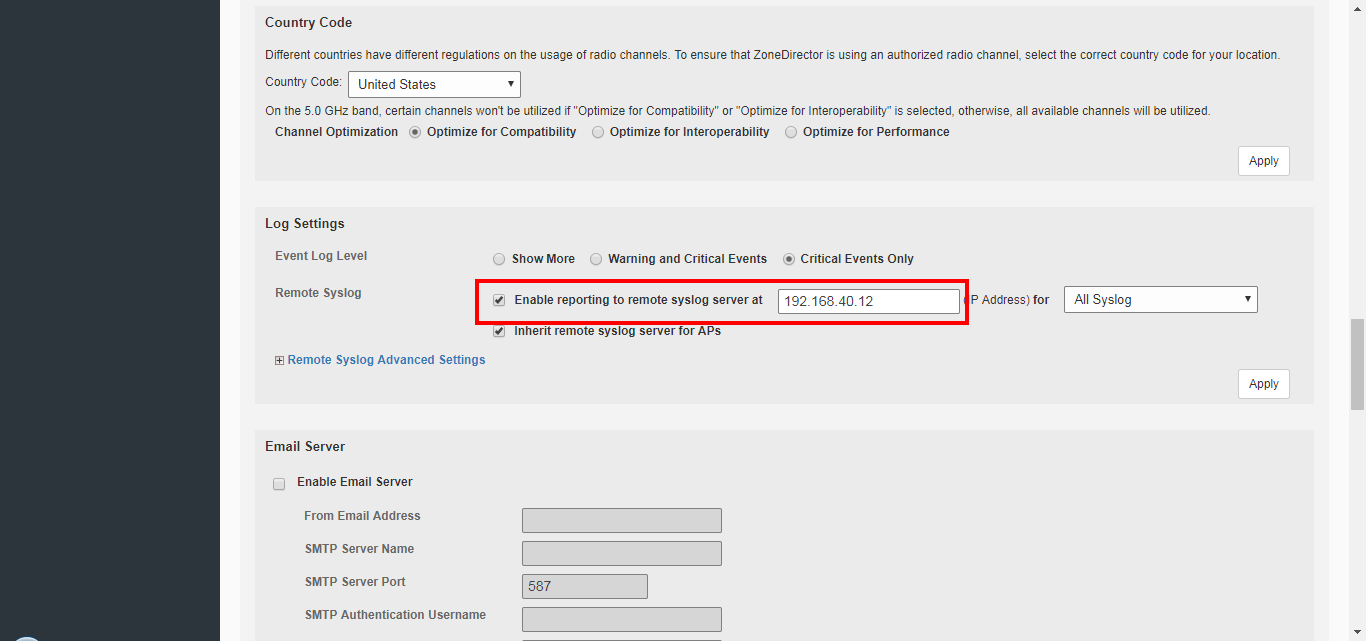
Select the event log level that you would like to receive and click Apply to save changes.