Changing the Administrator Password
Follow these steps for any administrator to change their own password.
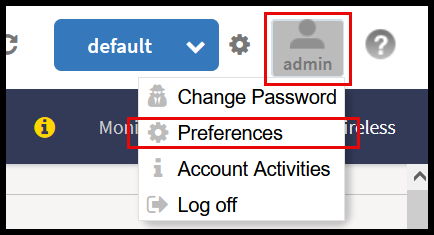
- In the Web UI, click the user profile icon in the upper-right corner.
- Enter:
- Click Change, your new password is updated.
Note: The system-default admin user with SUPER_ADMIN privileges can change the password of other users. To complete this task, refer to Creating Administrator Accounts.