Establishing the AP and SCG Connection
Before you attach the USB dongle to the
access point (AP), you must ensure that the AP is connected to SmartCell Gateway
(SCG).
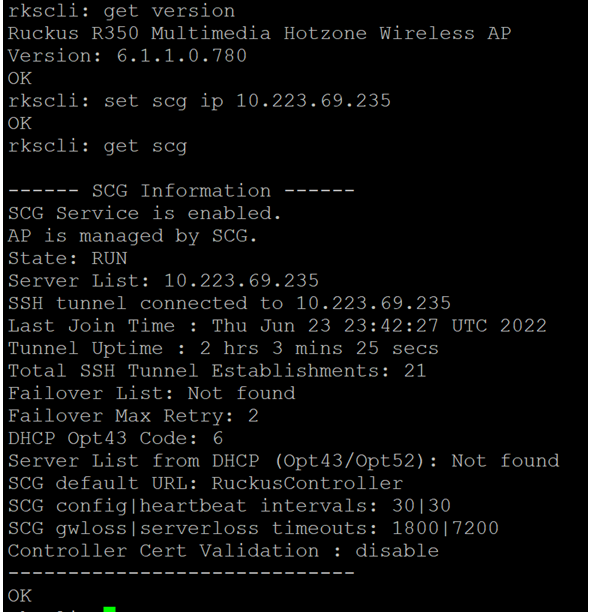
- Enter the
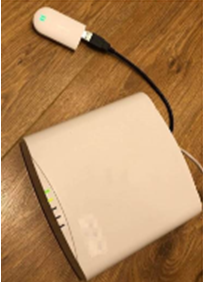
set scg ipcommand with the appropriate IP address of the AP. - After the connection is established, plug the USB dongle into the AP.
- Enter the
get power-modecommand to check the power mode of AP. The following output is displayed. - Enter the
get usb-powercommand to check whether the USB interface is enabled. The following output is displayed. - Enter the
set esl-driver
                     enable
command to enable the ESL driver. The following output is displayed: - Enter the
get esl-drivercommand to check if the ESL drivers are enabled successfully. The following output is displayed: - Enter the
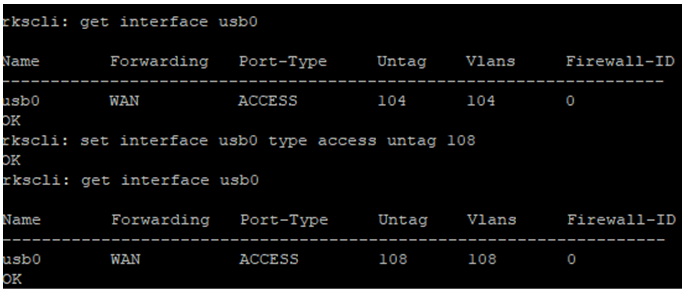
get interface usb0command to check the USB interface VLAN status. - Enter the
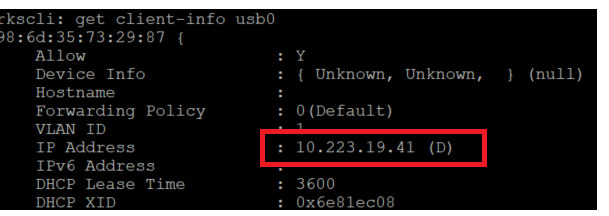
get client-info
                     usb0
command to get the IP address of the USB dongle. - Enter the command
set interface usb0 type access untag Norset interface usb0 type vlan-trunk untag Nto set VLAN N for USB dongle. Ensure that the network support VLAN N. - Enter the
get interface usb0command to get the IP address of VLAN N from the DHCP server.